
User profile
User profile, changing user data and a password
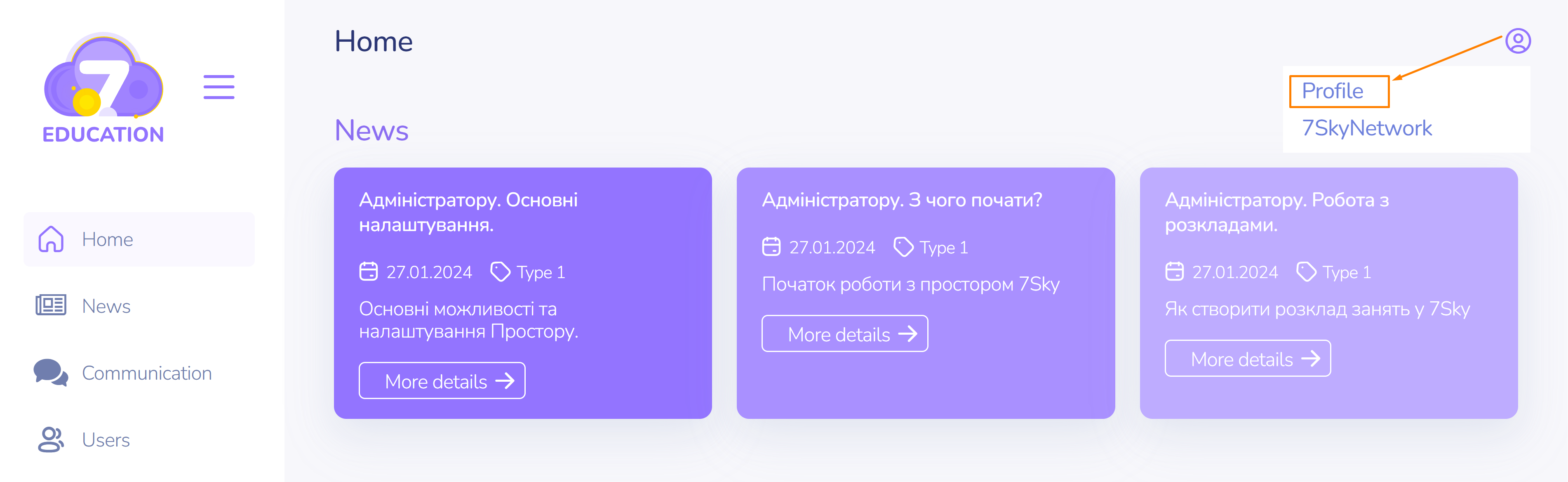
To access the user profile page, click on the menu at the top right corner.
On the profile page, you can change the user data and password.
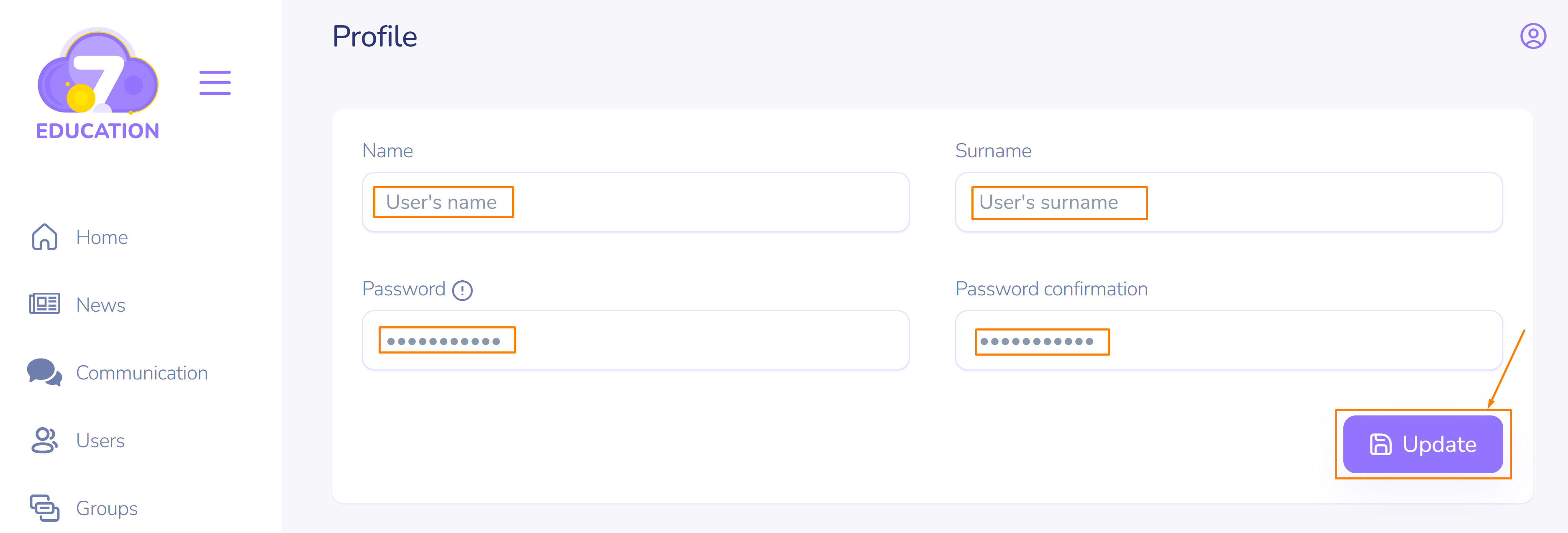
When creating a password, please note that the password must contain at least 1 numeric character, at least 1 uppercase letter, and at least 1 special character such as: $@%#&*~+=-. The minimum password length is 8 characters.