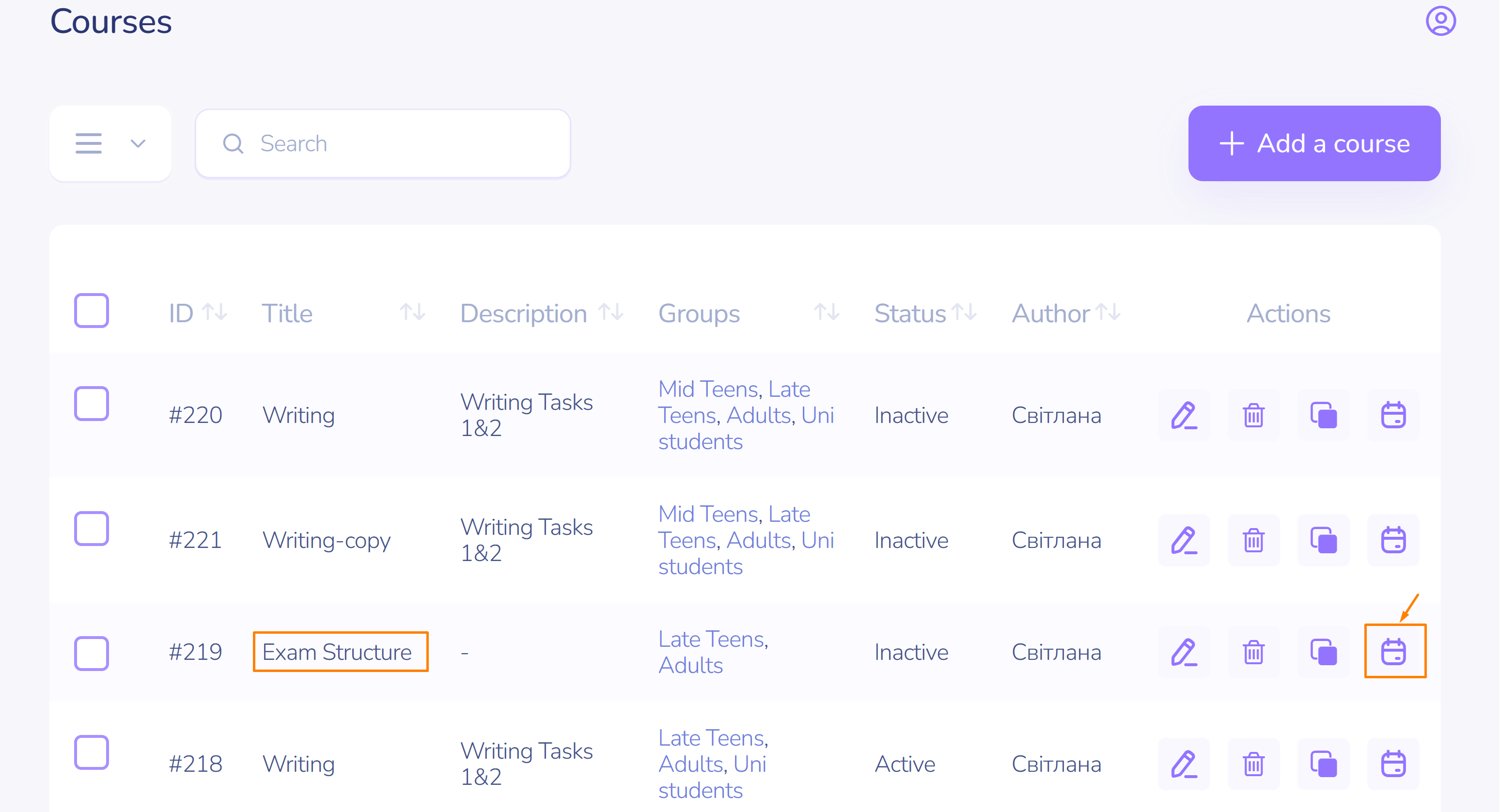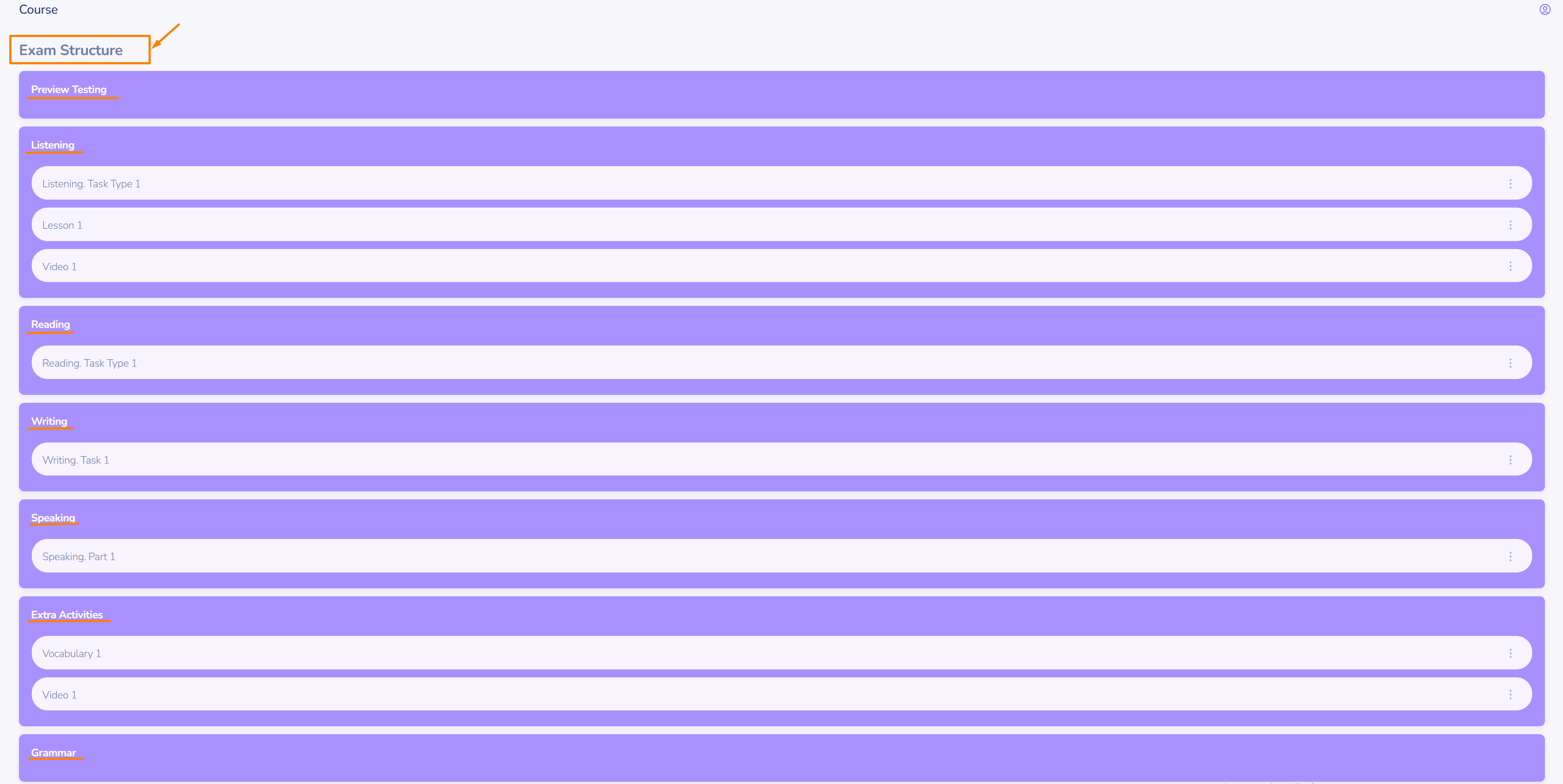
Course editing. Main course management elements
How to edit, copy, and review courses
Making changes to an existing course
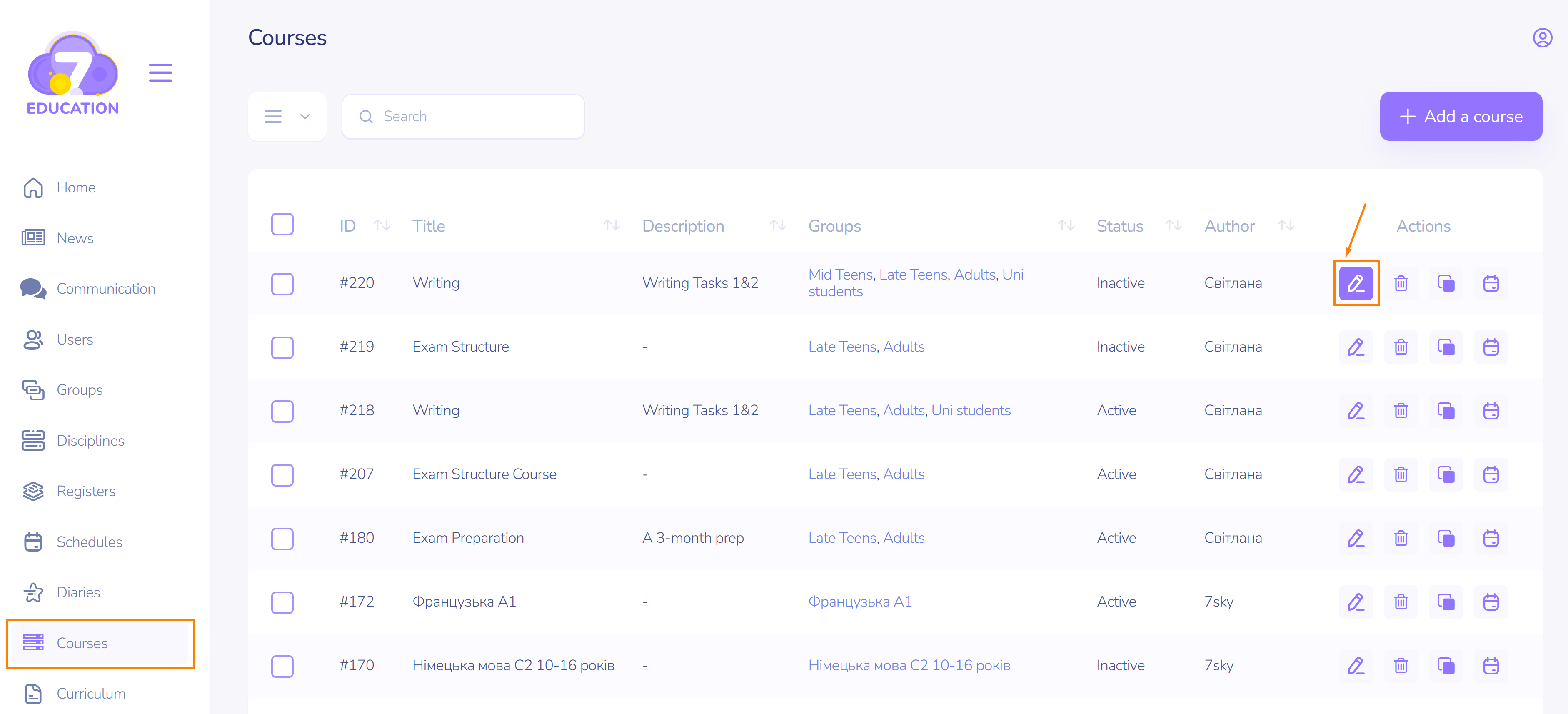
- Click Edit.
- Add all desired changes.
- Click Update.
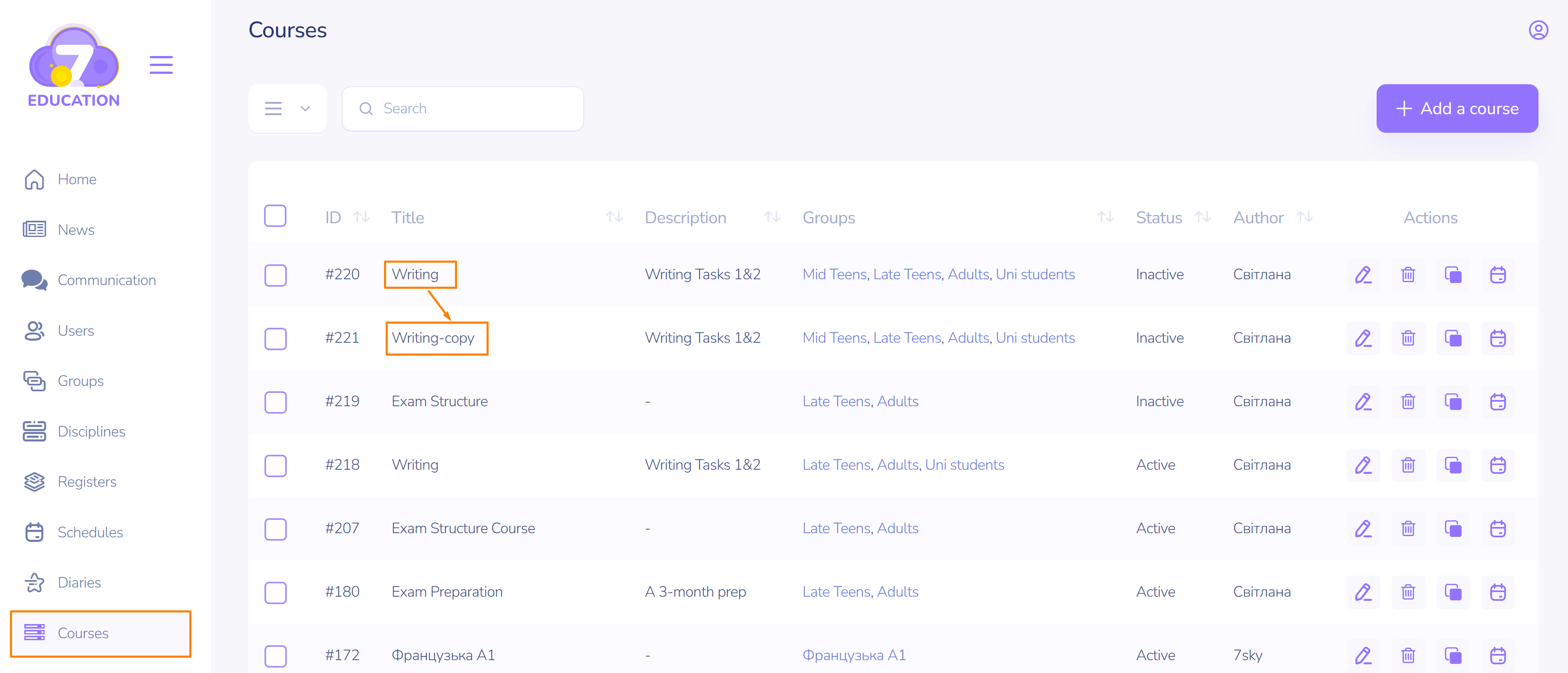
Copying an existing course
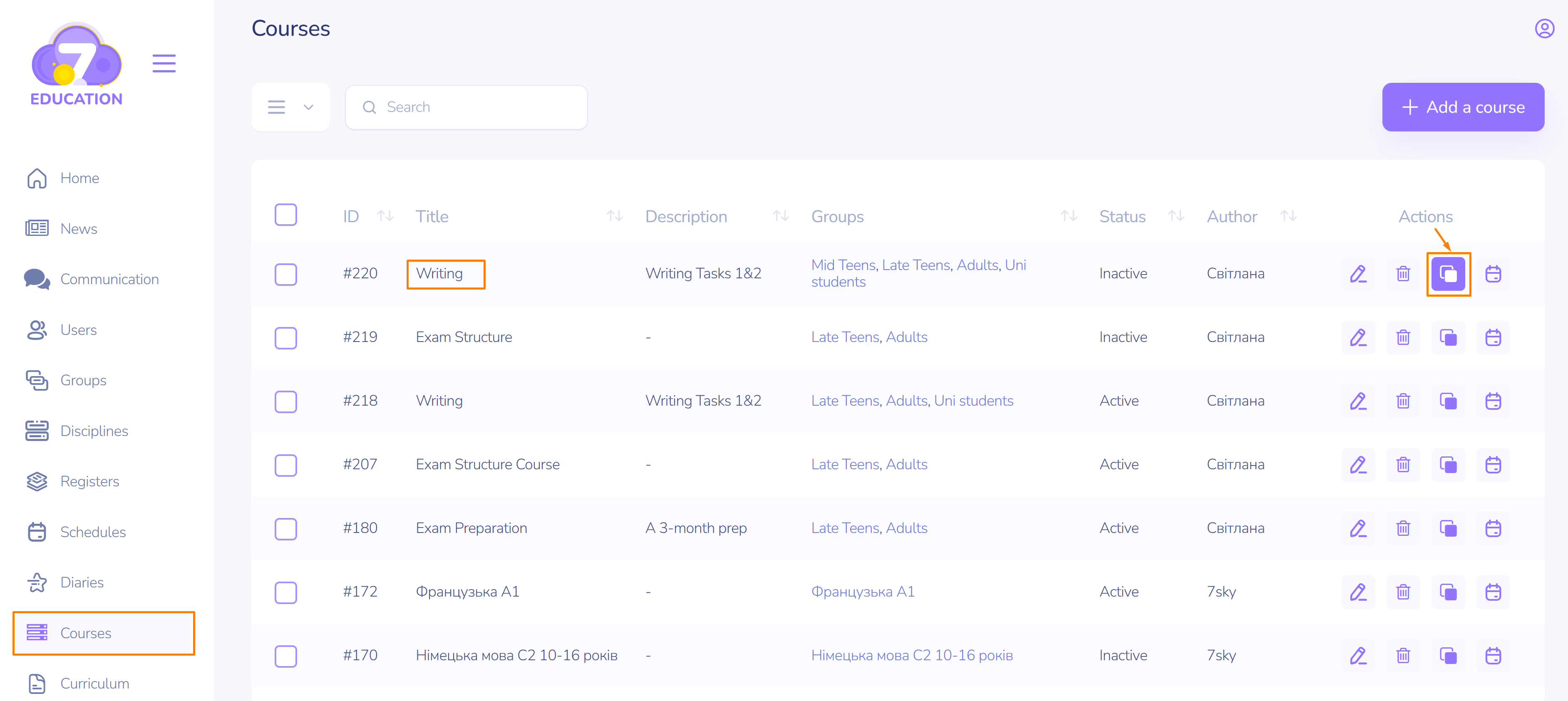
- Click Copy.
- Find the copy under the course to which the copy was created.
- Make the necessary changes as demonstrated in the previous section.
Reviewing a created course
- Click on the far-right icon in the Actions block.
- Review the course structure.
- To make changes, go back to the previous page and use the Edit action as demonstrated above.