Diaries
How to track a student's progress
A user with an administrator or teacher role can track a student's educational progress.
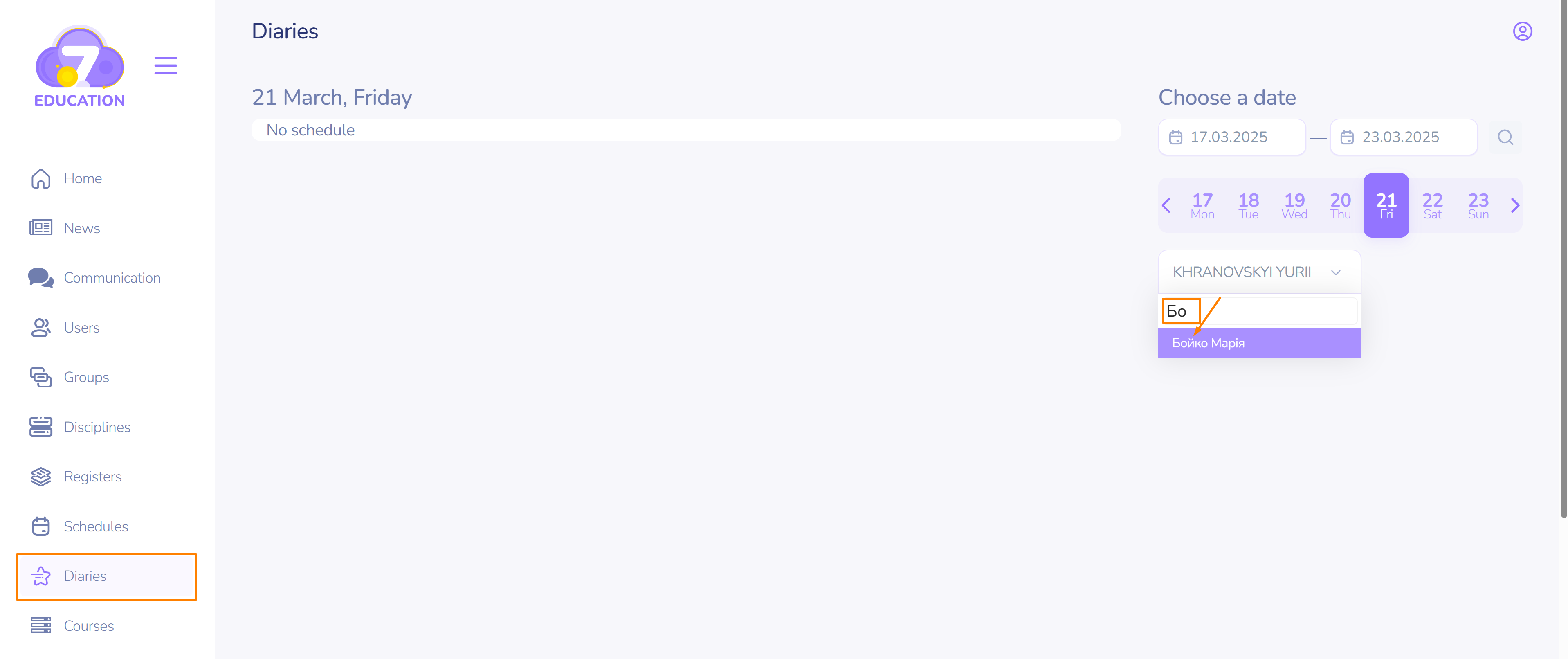
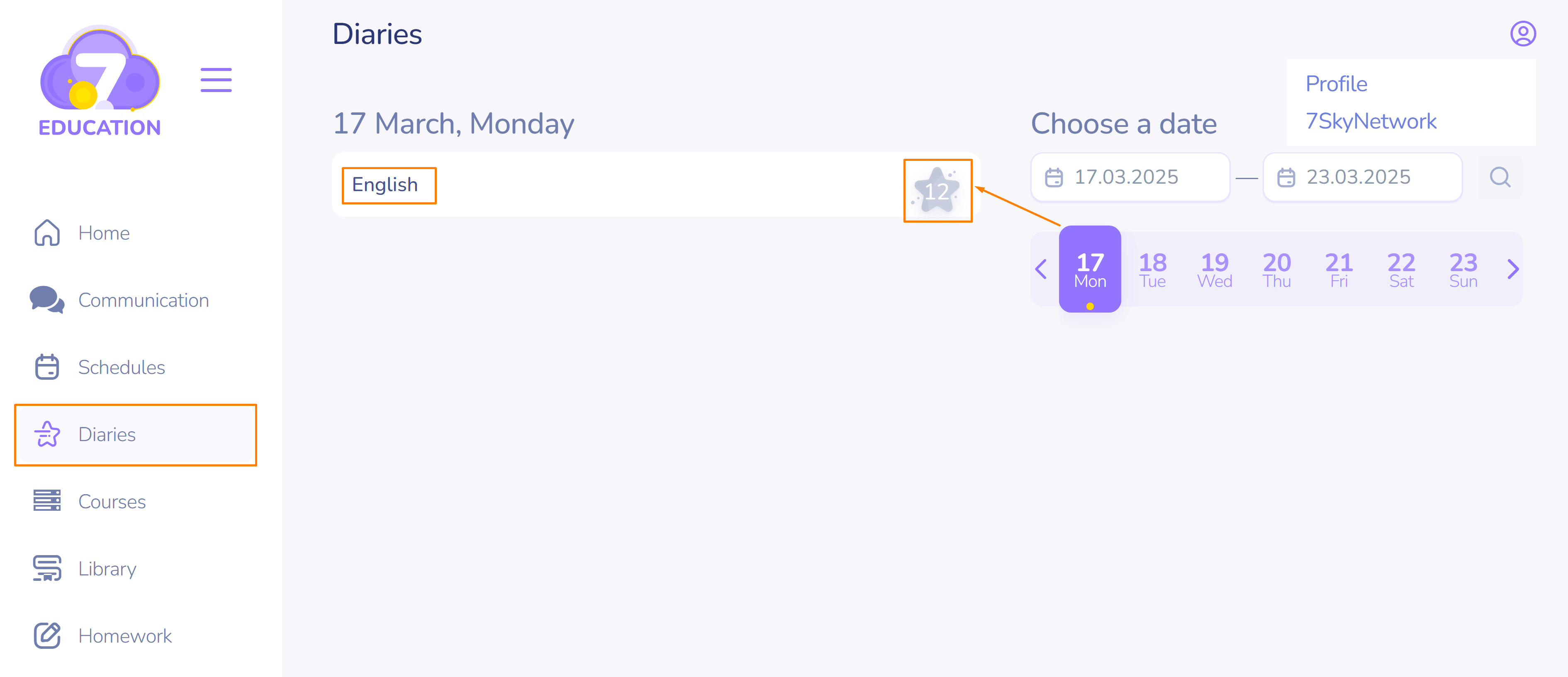
- On the left side panel click Diaries.
- On the right, choose a date or a name of the student whose progress or grades you want to track.
- You can start typing the name or surname and the search will help you.
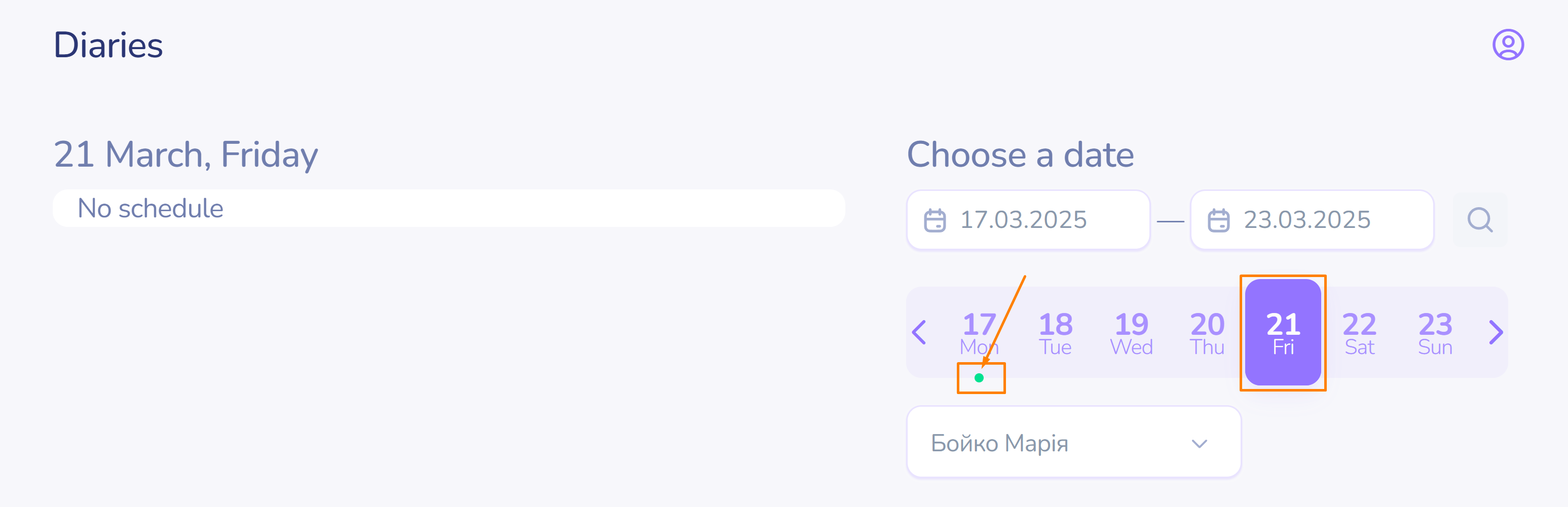
- The green indicator under the date will inform you know about a graded task on that day.
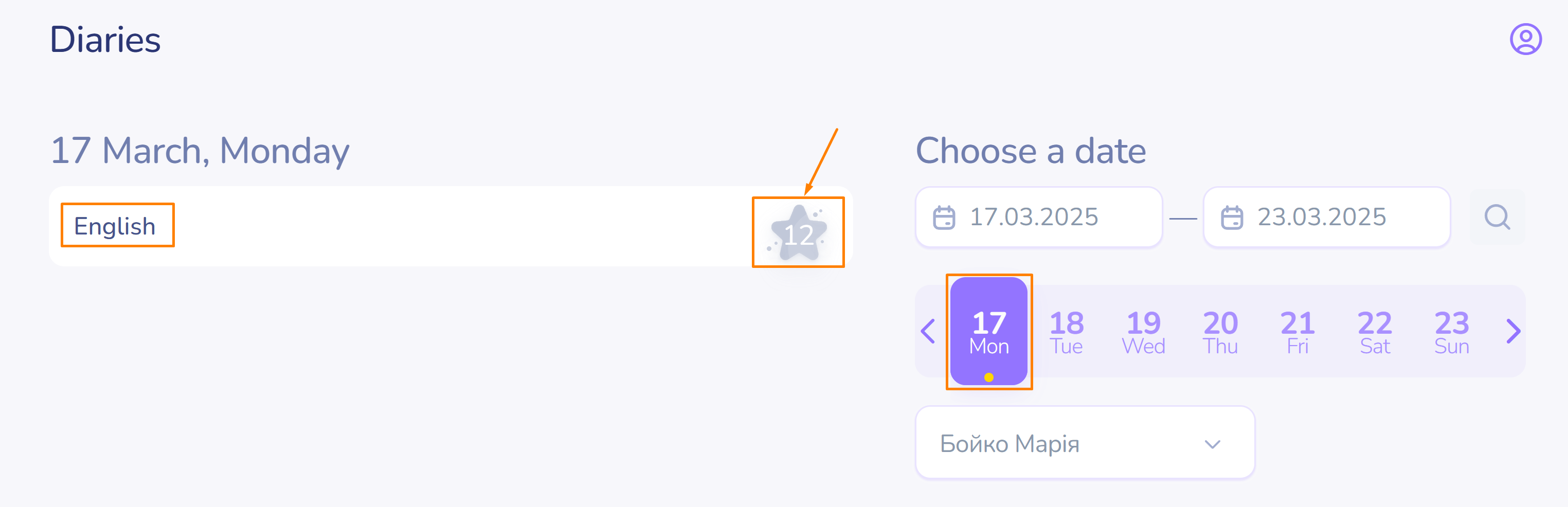
- Click on the indicated date and on the left you will see the line(s) with the student's grade(s).
- The date carousel allows you to choose the date from the list.
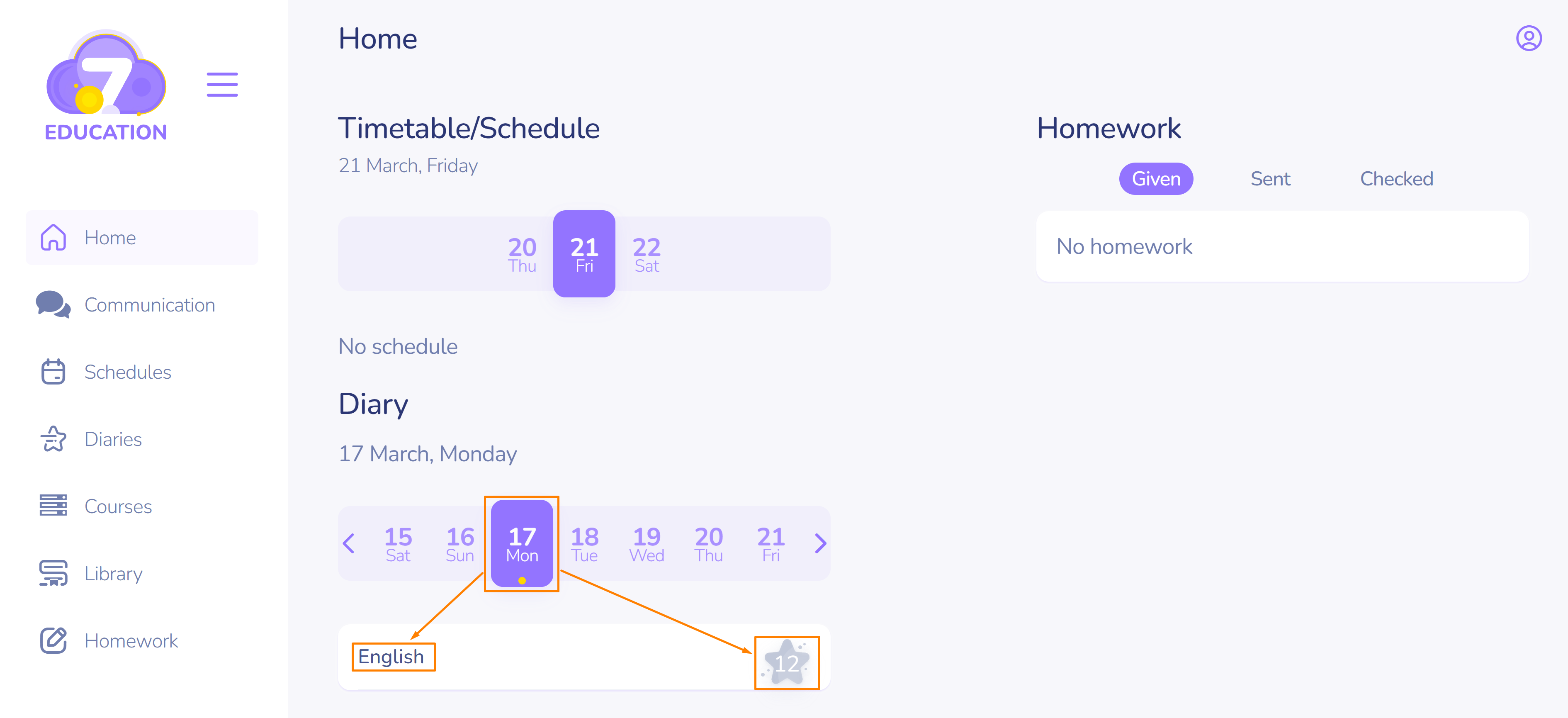
The sudent's Diaries page contains the same information.
It can also be tracked from student's home page.