
The System Interface
Main Menu
Here are the main sections of the Educational Space:
- News and Notifications
- Users and Groups Management
- Creation of Educational Disciplines
- Timetables
- Videoconferences
- Classes, creating and editing classes (creating lesson sessions)
- Lesson materials: notes, video, audio, interactions
- Assignments
- School diaries and journals
- Educational plans
- Content curation
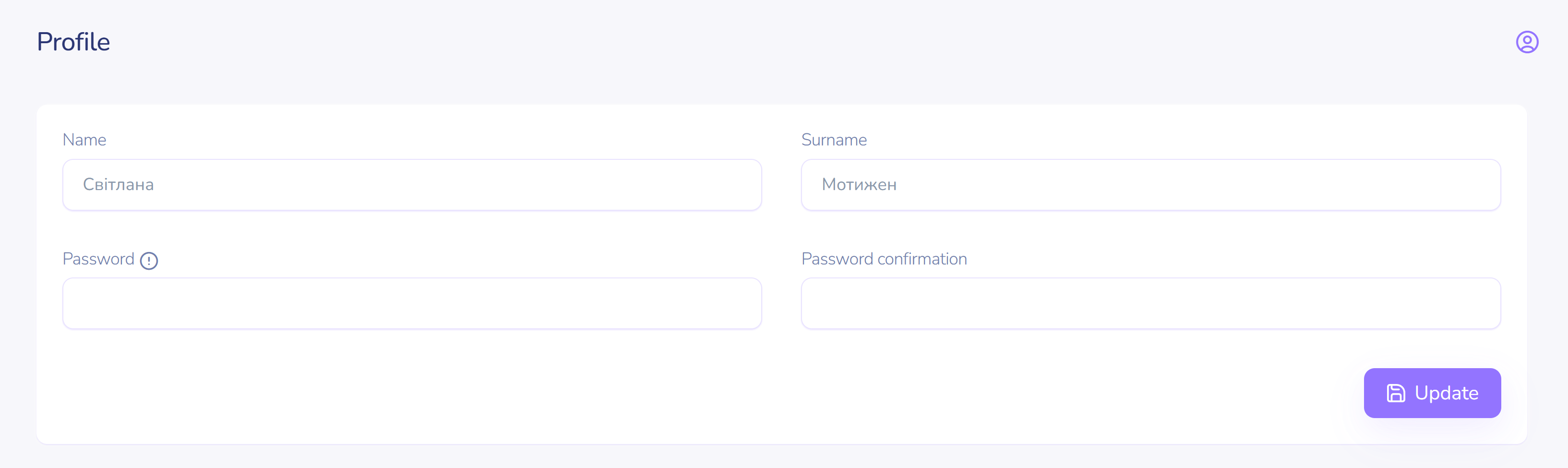
User Profile
Account settings (first name, last name, password, and user language).
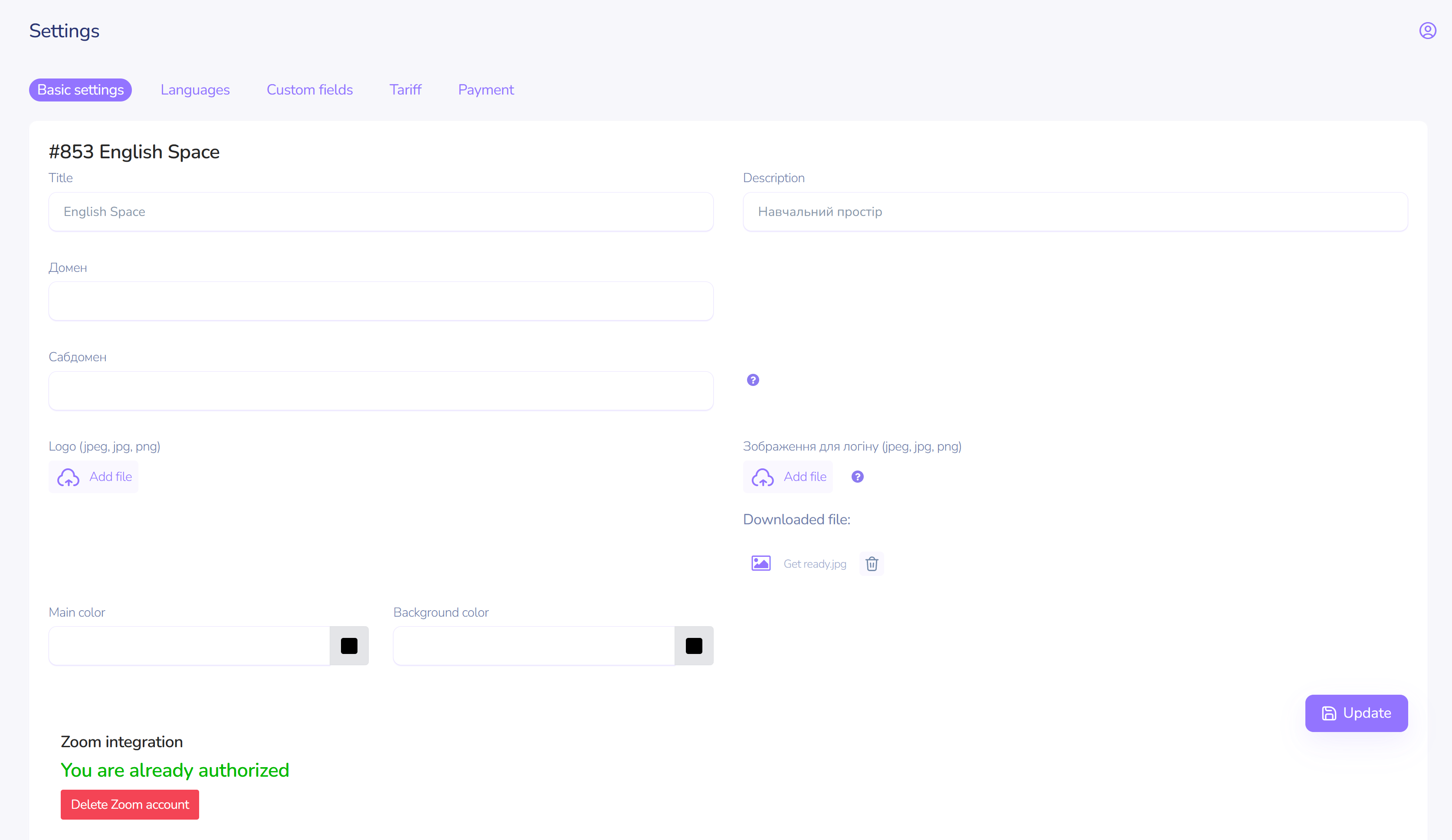
Space Settings
Customization of the space to meet the needs of your activities. Settings for logo, interface colors, language, language file editor, and user field settings.
Groups
Create an unlimited number of groups for your educational processes.
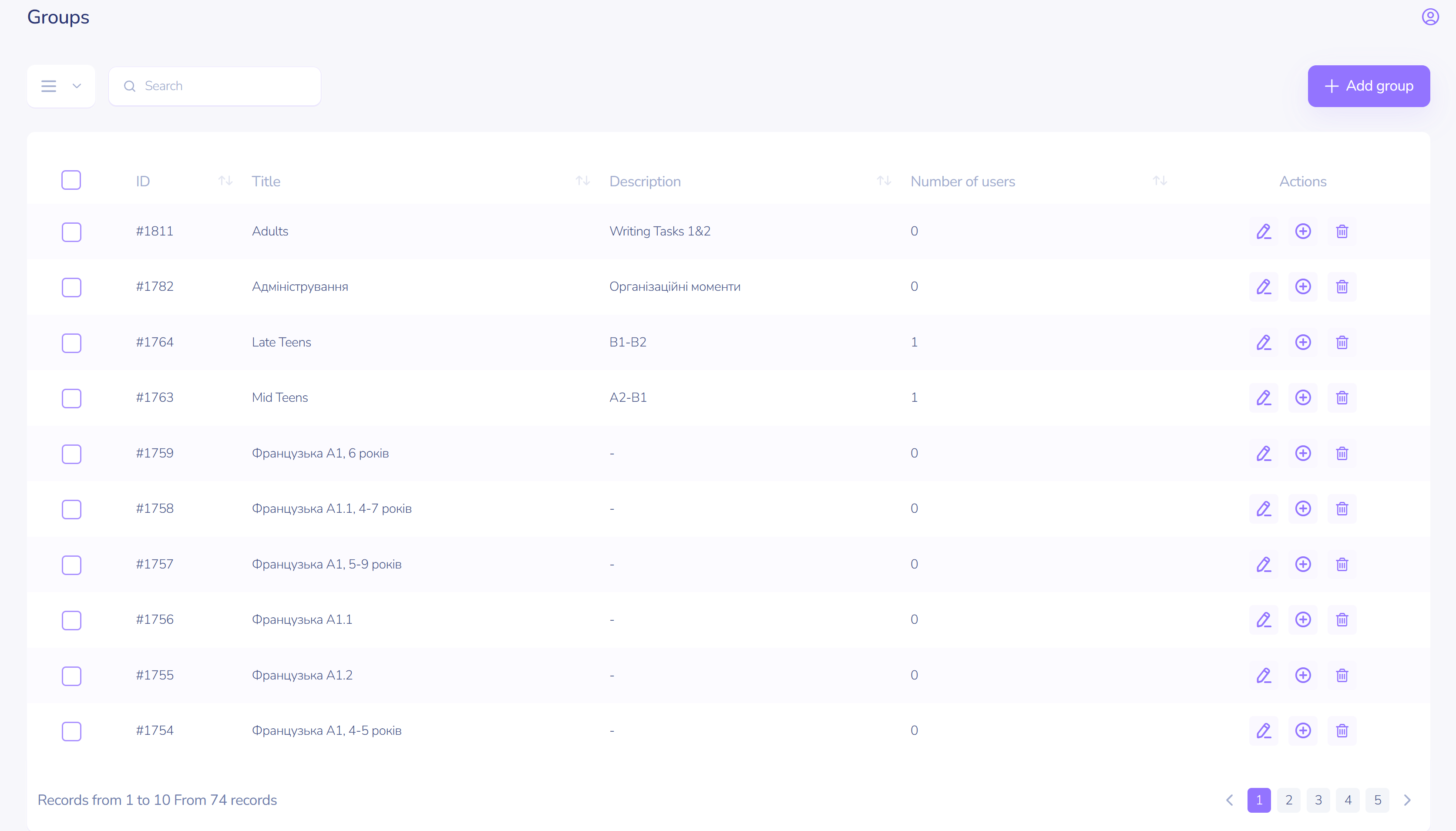
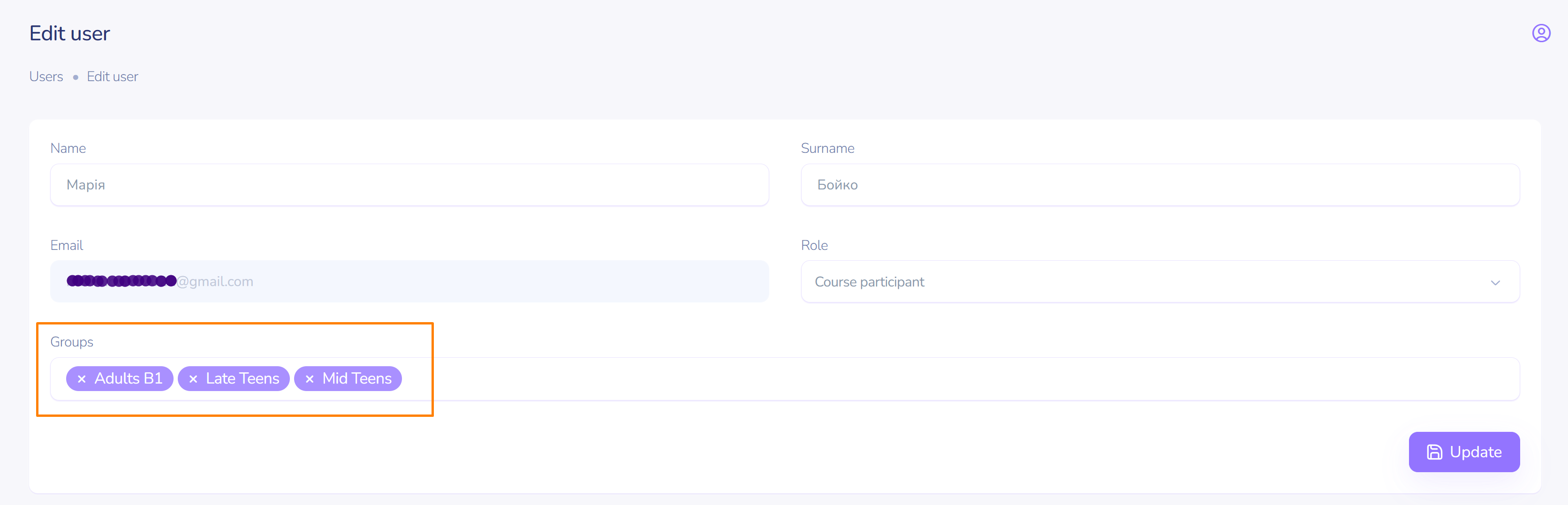
Combine users into groups (teams, classes, streams, marathons). It’s convenient and easy.
News and Notifications
Create and share important content in the form of news (notifications).
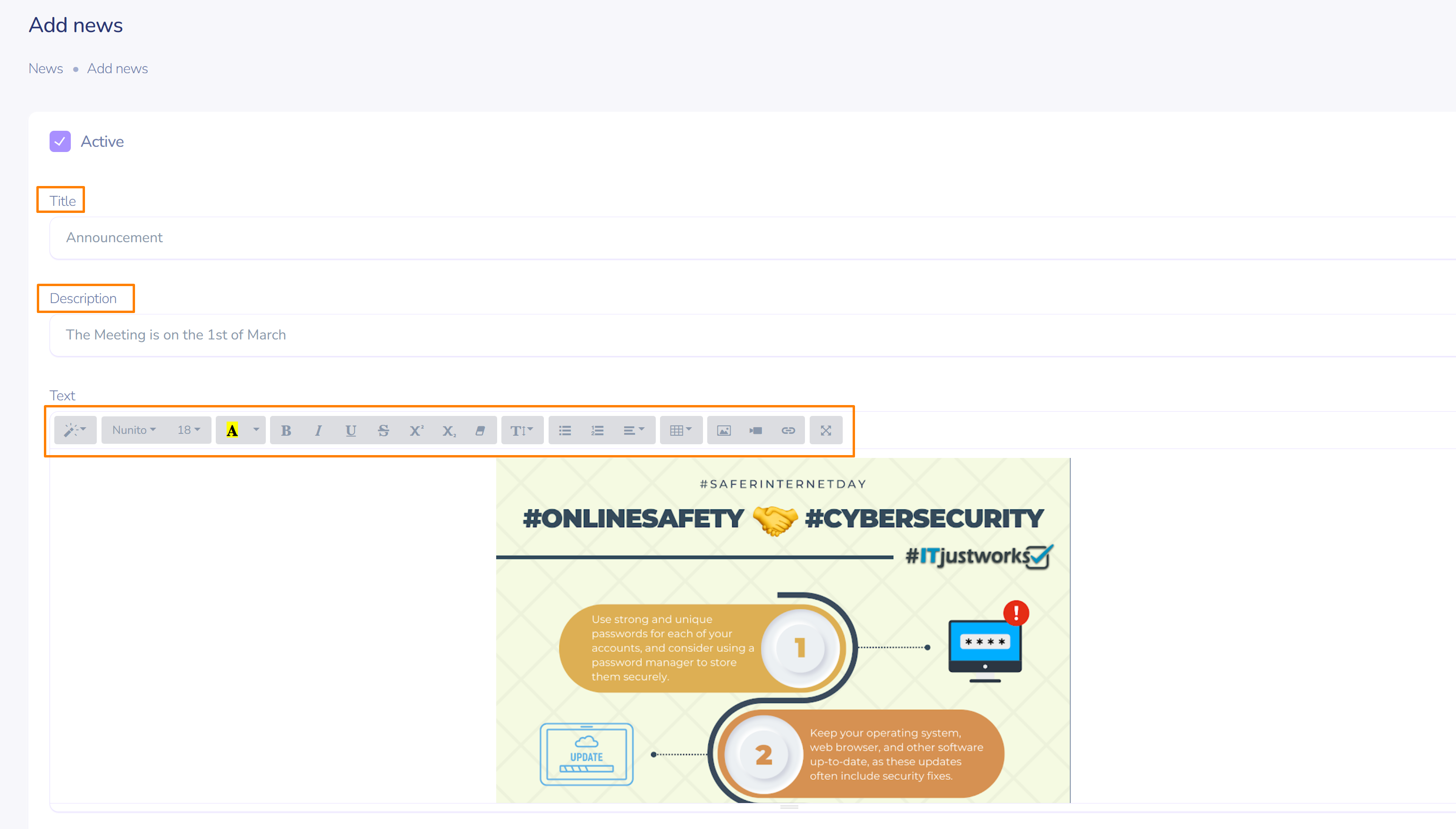
Thanks to the personalization feature, your message will be sent only to the necessary user, user group, or their role.
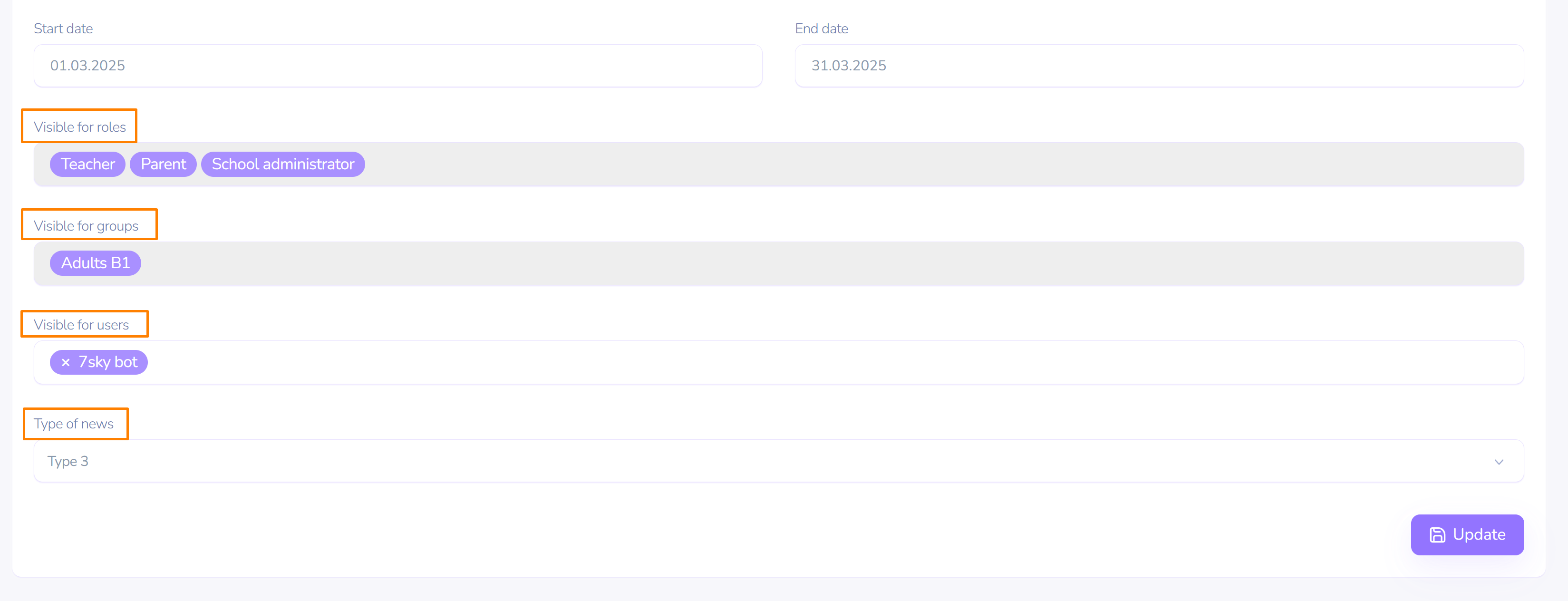
Set up the types of your messages – from "Important!!!" to "Humor".
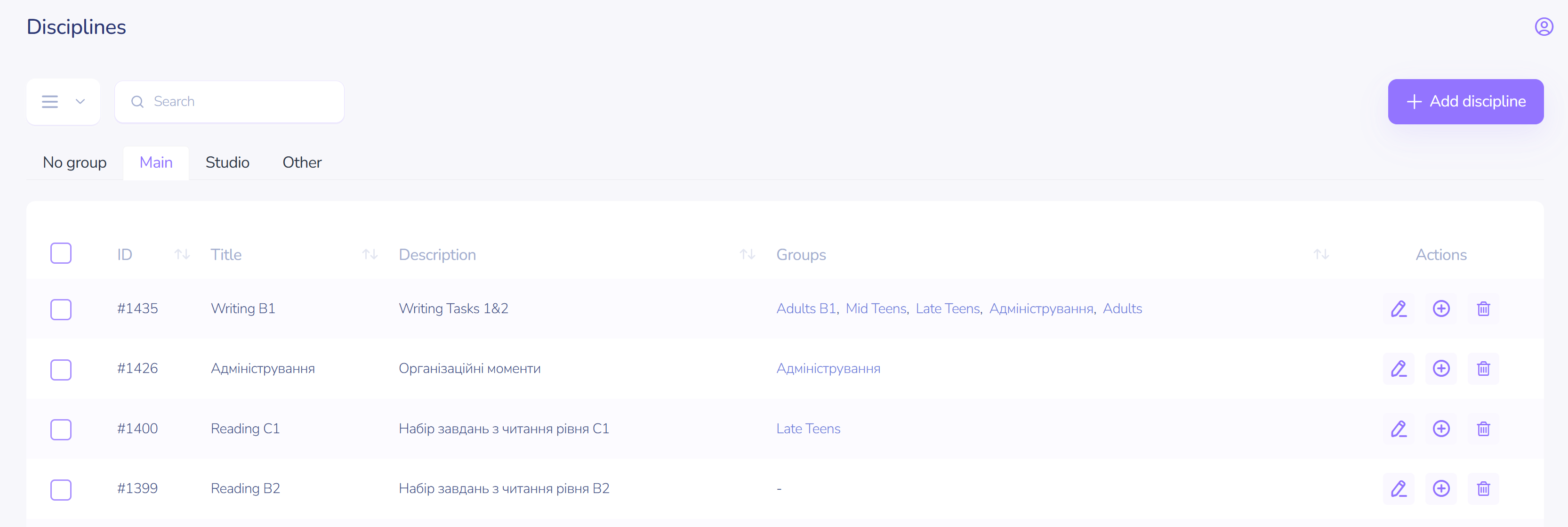
Disciplines
Define a list of disciplines (skills, abilities, categories, etc.), assign instructors, and create educational plans.
Institution Settings
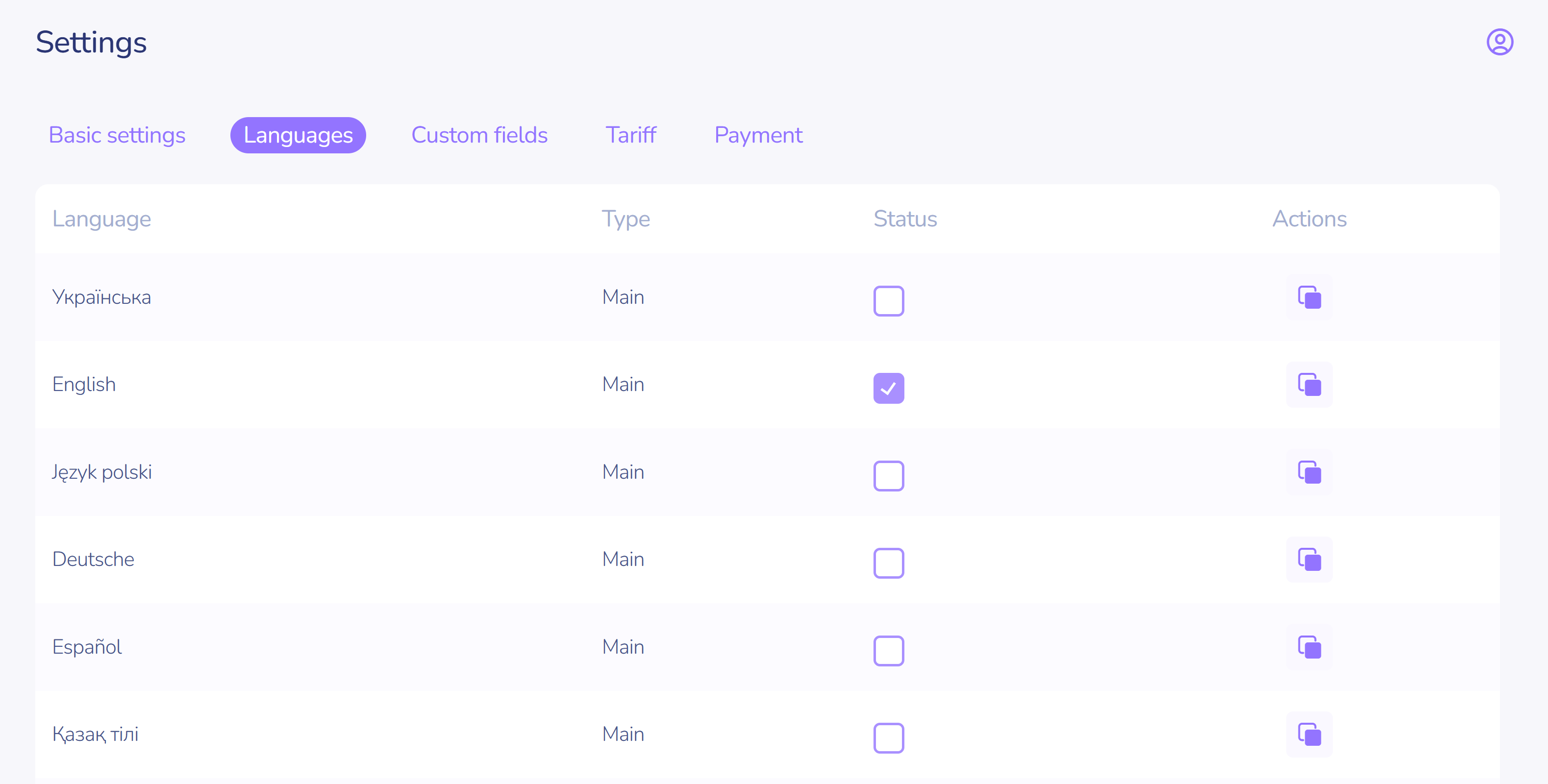
Languages
The language settings section for the space is an innovative development in the field of interface customization for a company, school, institution, or personal use.
You have the ability to change all the names in the space to your own.
To do this, you can use a simple table of name and phrase correspondences and set your own values.
Pricing Plans
Not enough features?
Choose a plan that suits your needs!
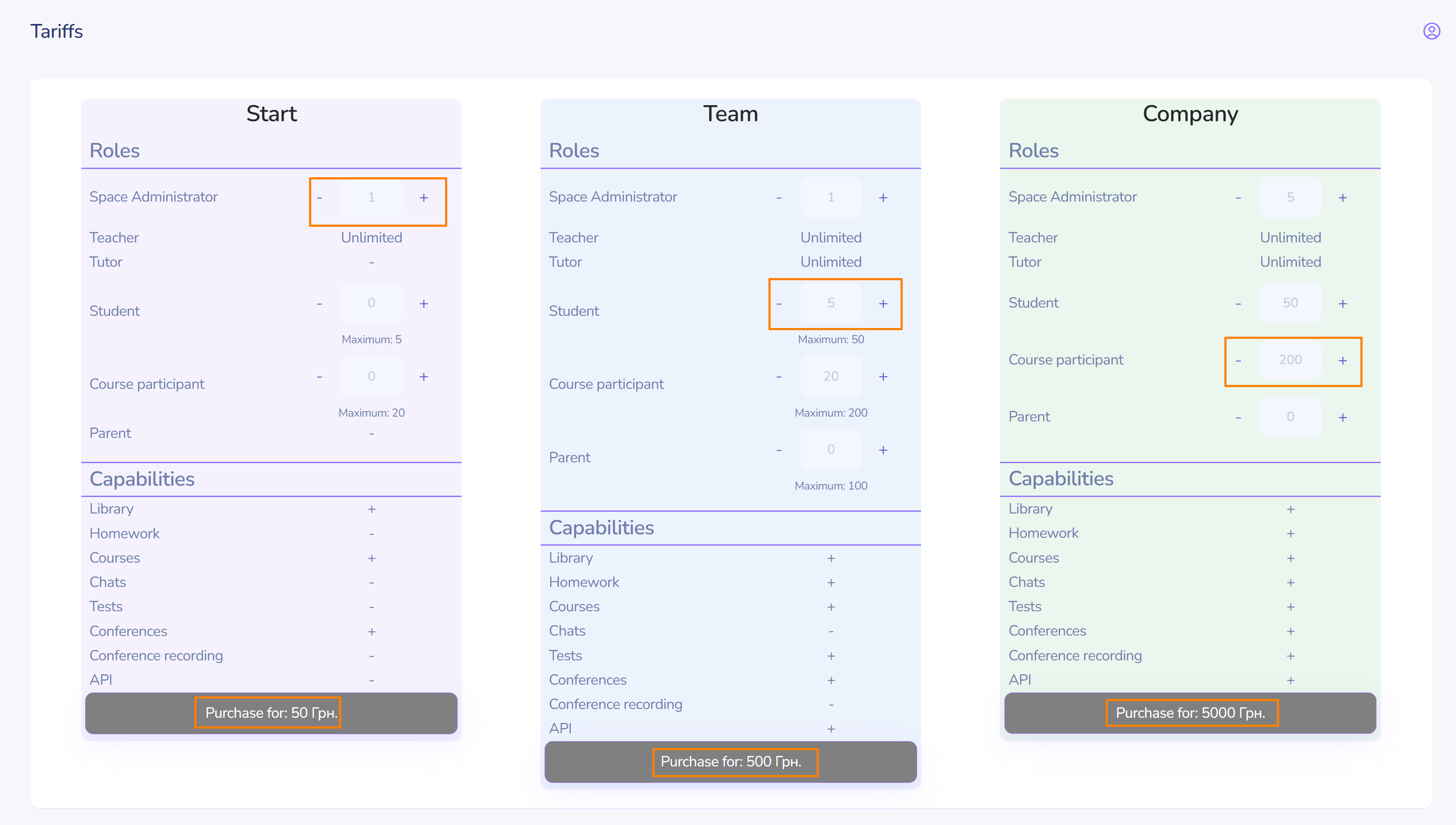
If needed, change your pricing plan for free!