Changing the language of the system
How to set the language for the system
Language selection for the system
You can change the language in the system, create your language translations, or customize the language file for your business's language. For language settings:
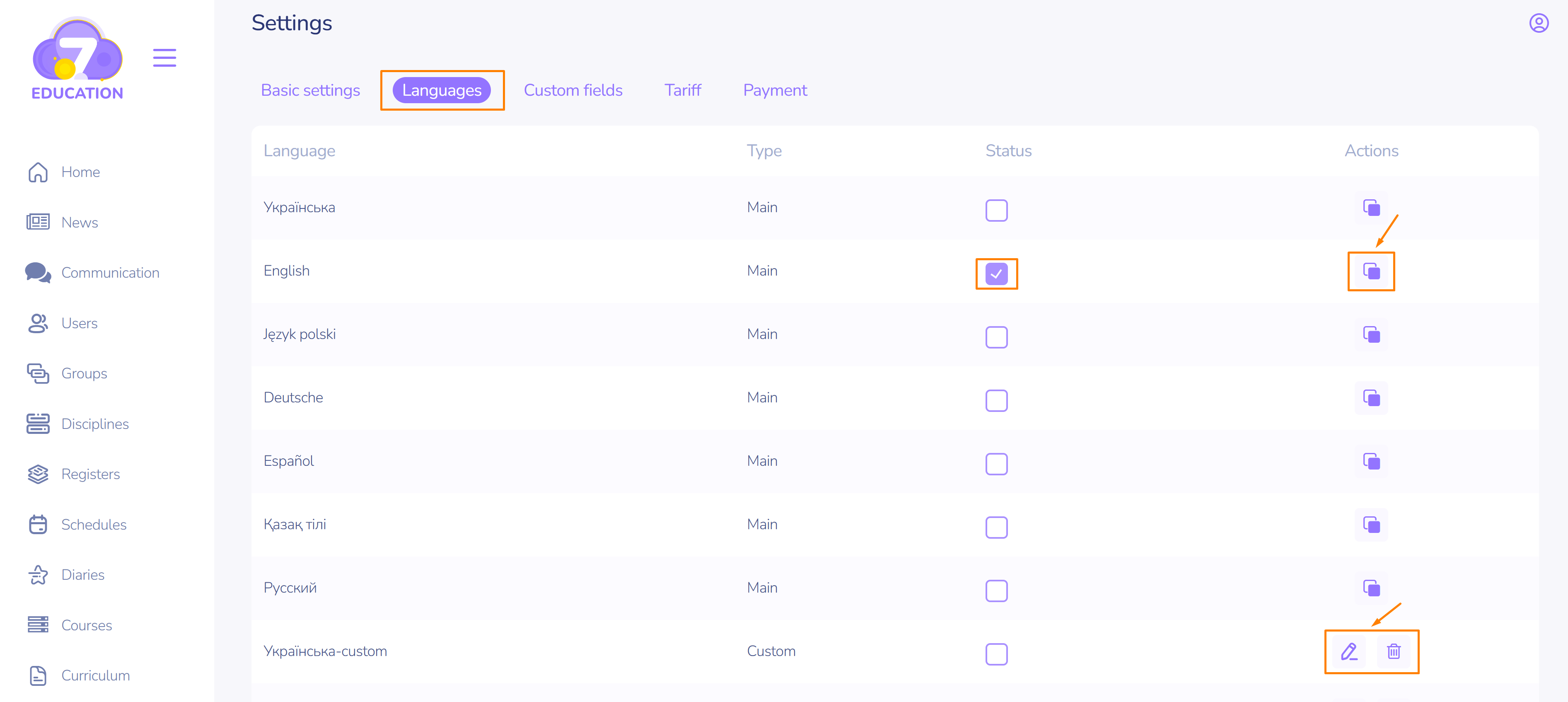
- Go to the Language page from the Settings section.
- Select the desired language from the list or create a custom language based on the existing ones. This will allow you to fully personalize your Space.
- To create a custom language, click Copy.
- The newly created custom language can be Edited or Deleted.
Personalizing language settings
All elements of the space can be named according to your preferences.
To edit the language values of space elements:
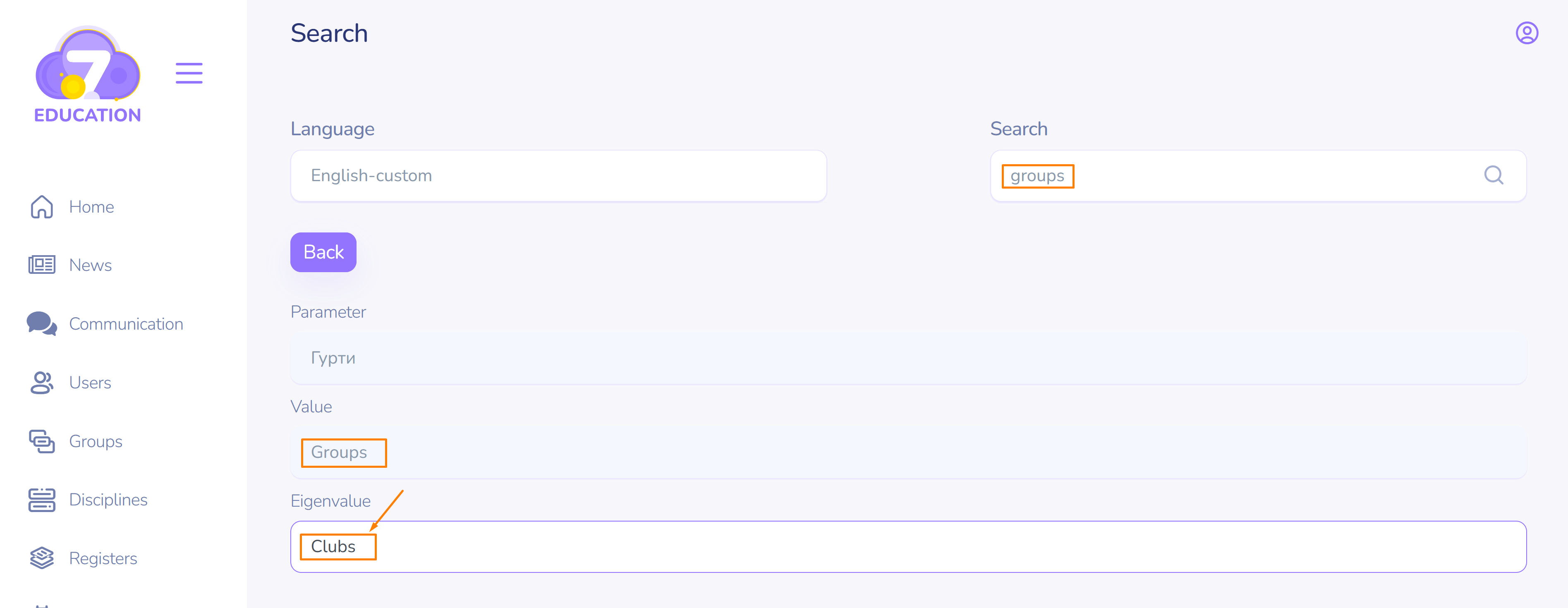
- Use the search to find the element you want to rename.
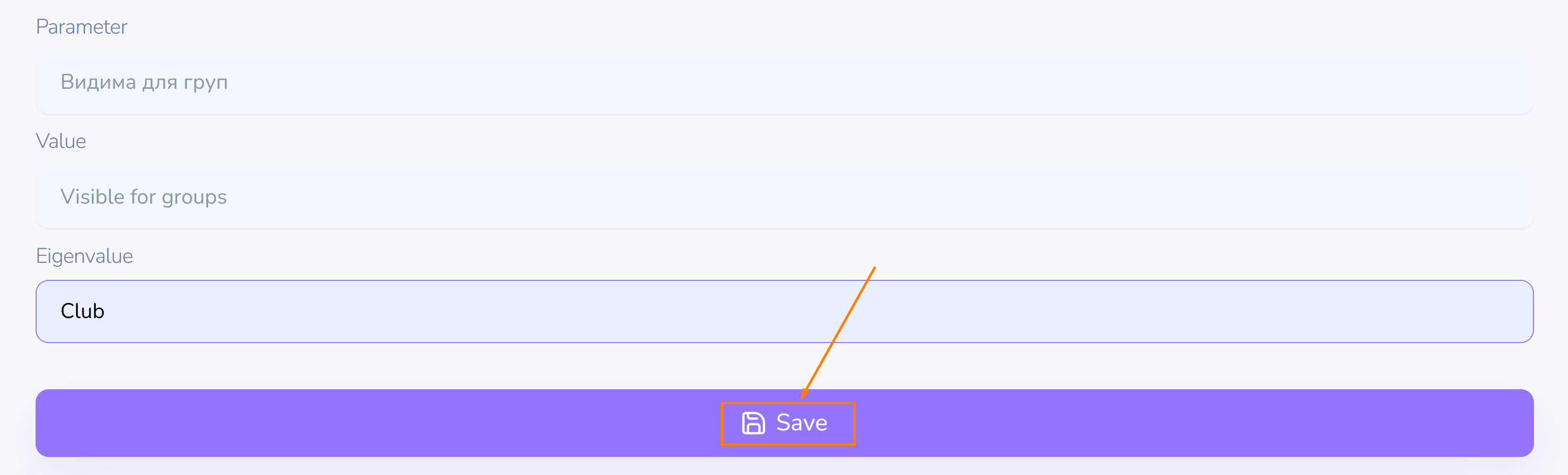
- In the search results, enter the new name in the corresponding field.
- After editing the necessary values, click Save.