
News and notifications
How to create and share important content for you in the form of news (notifications)
News authors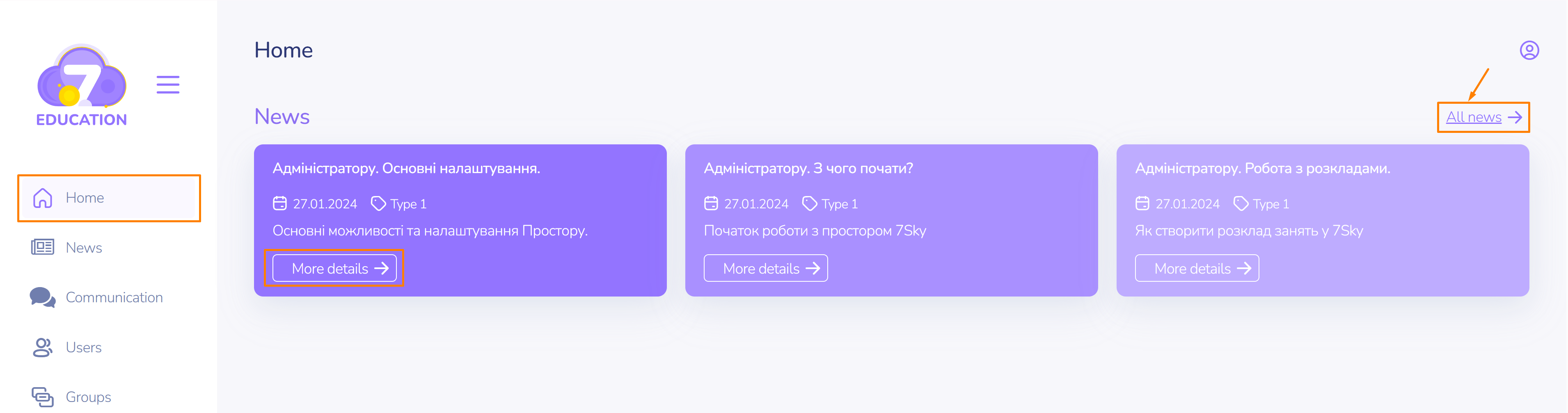
There is a messaging or news service for effective communication with space users.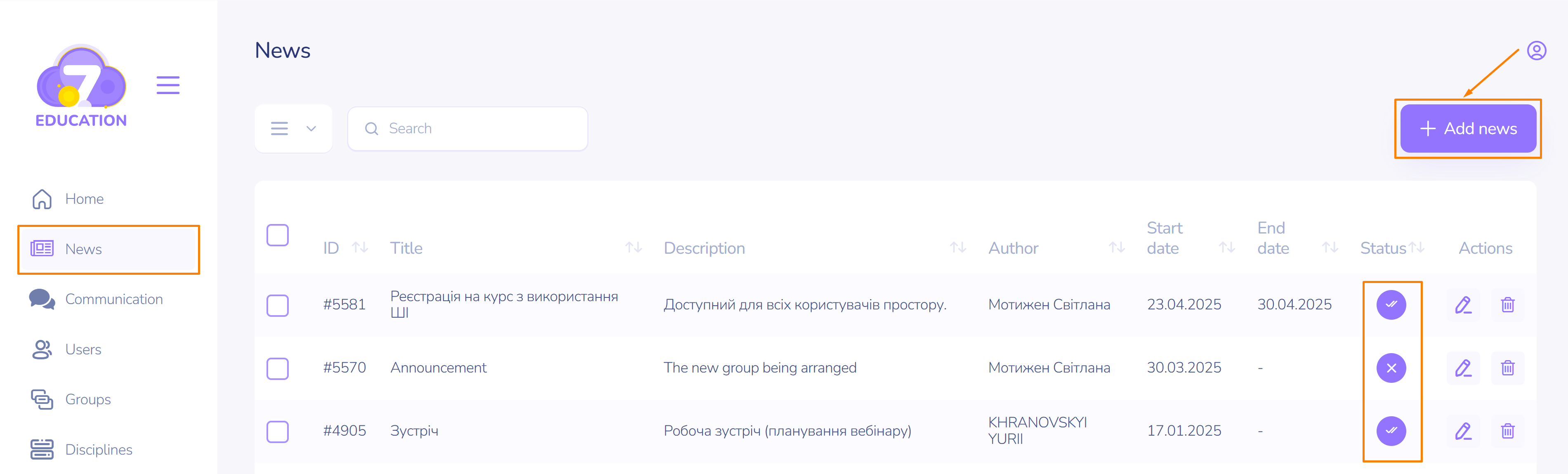
Where the news is located
Messages are displayed:
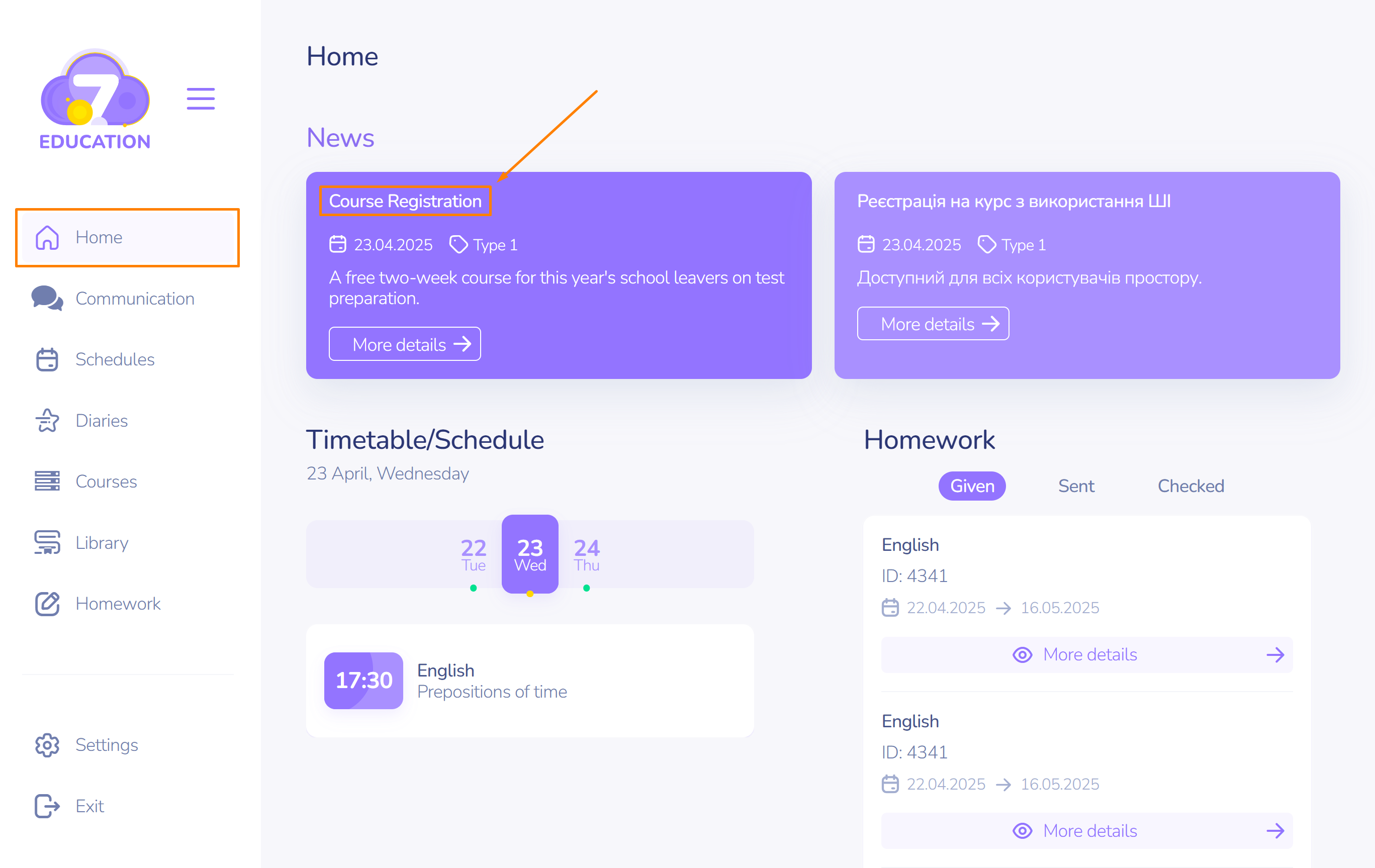
- in the user dashboard
- or in the notifications section.
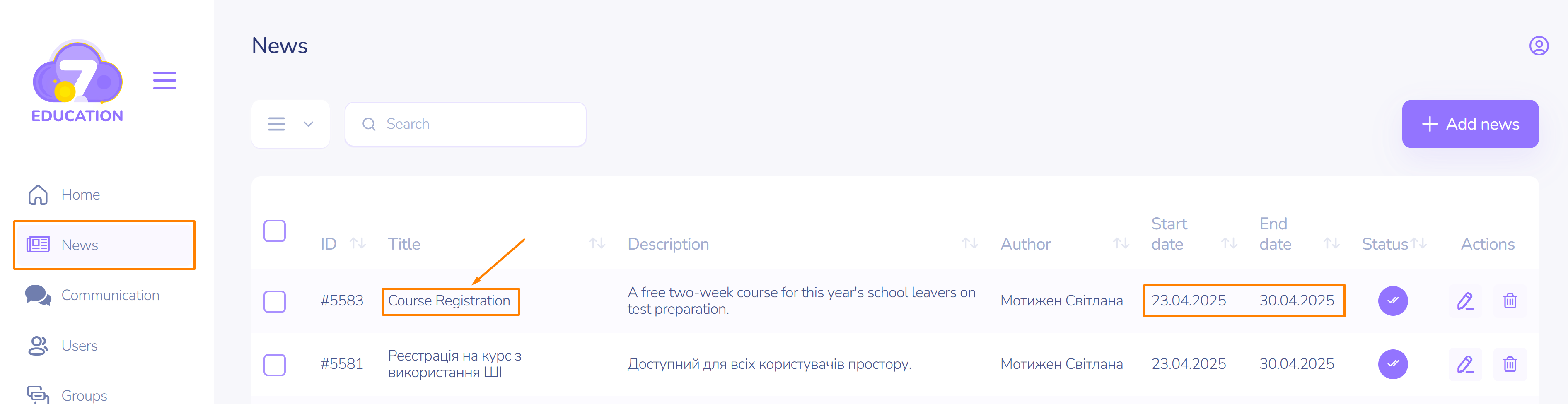
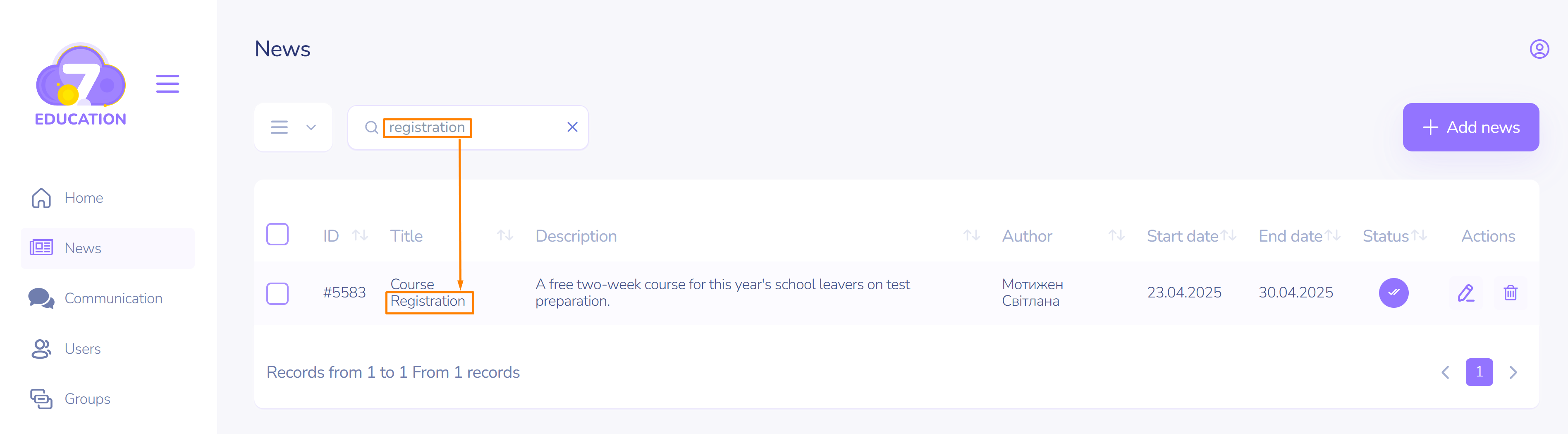
To quickly find a news item among others, enter a keyword and press Enter.
How to create a news item
To create such a message:
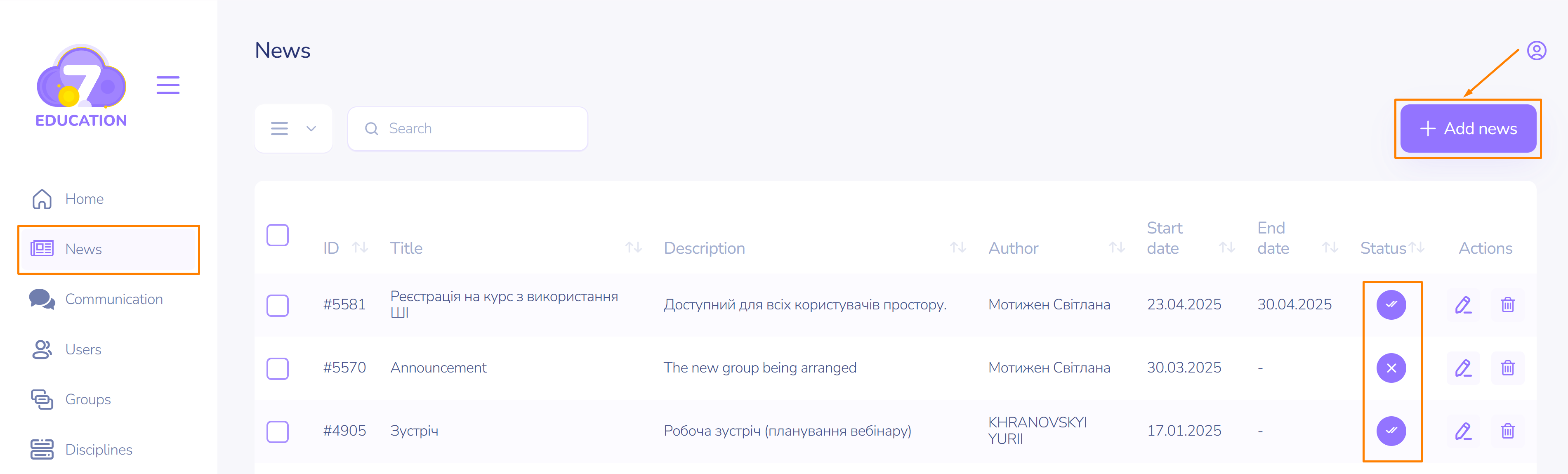
- On the left sidebar of the main menu, go to the News page and click add news in the top right corner.
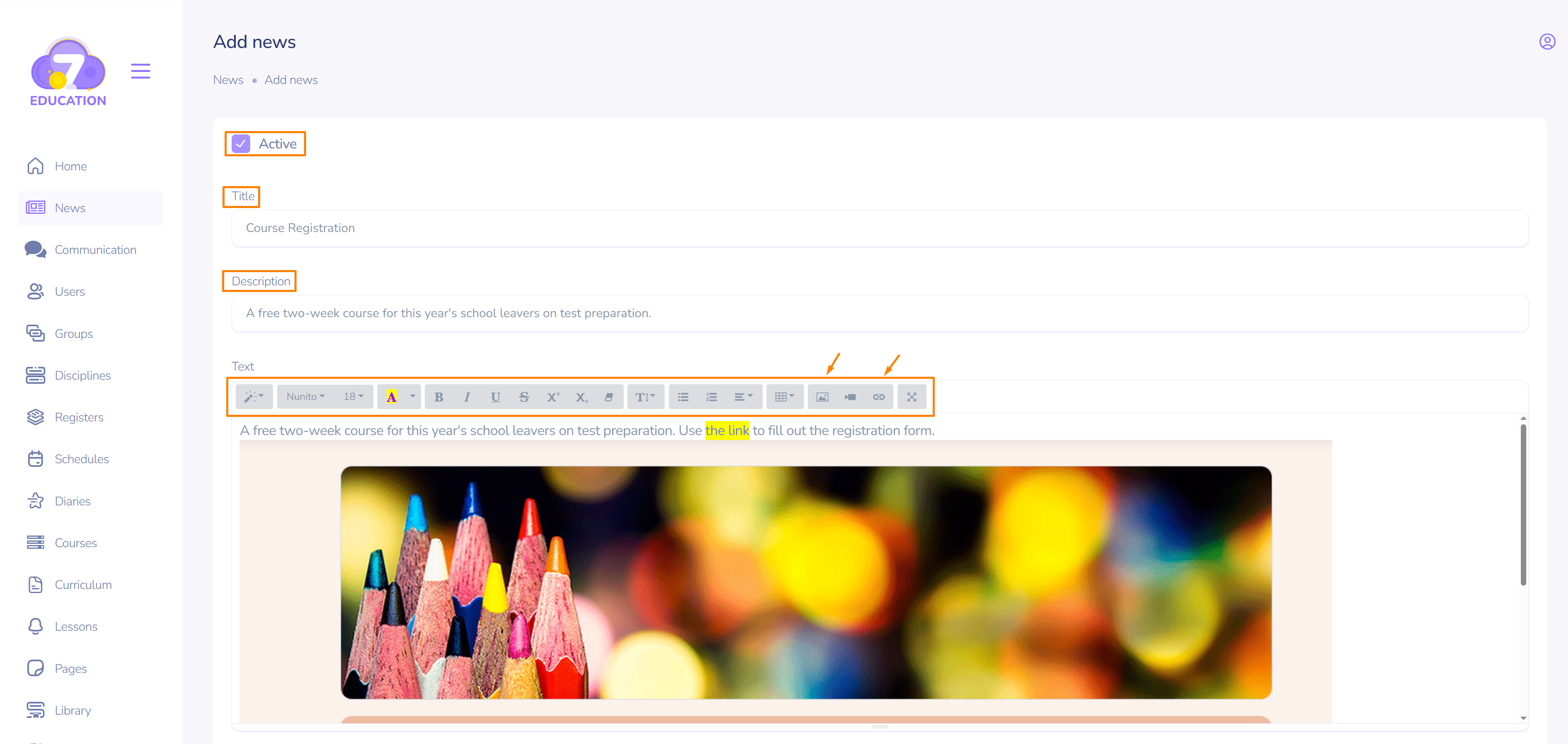
- Enter the title, description, and content of the news item. If needed, format the text and add images, videos, links, etc.
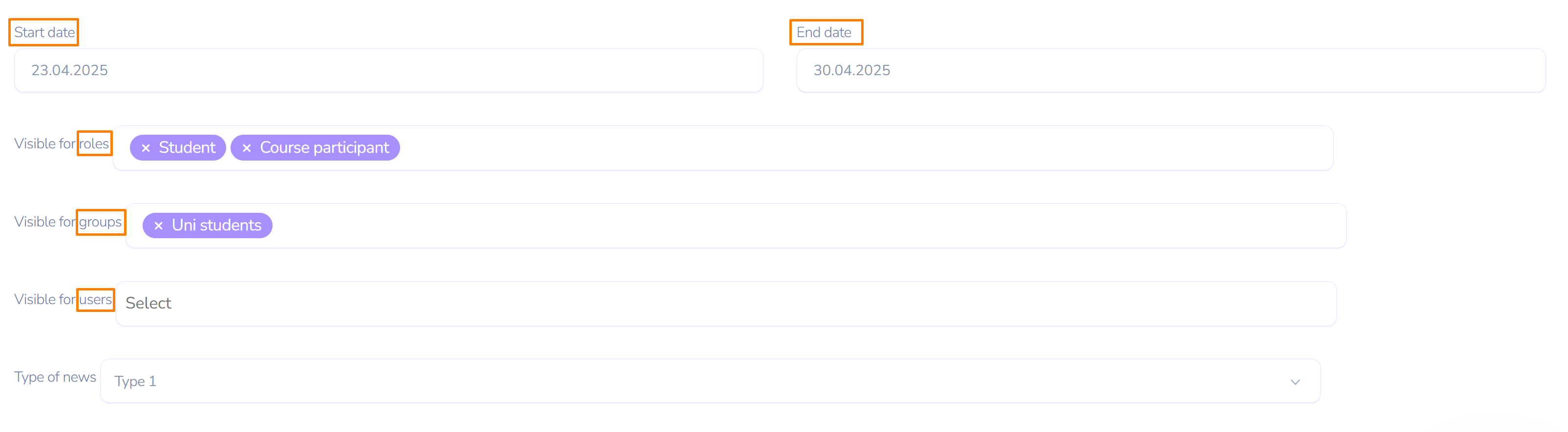
- Enter the start and end date for the news publication.
- Target settings allow you to select the role(s), group(s), or user(s) who will receive the news and see it on their homepage.
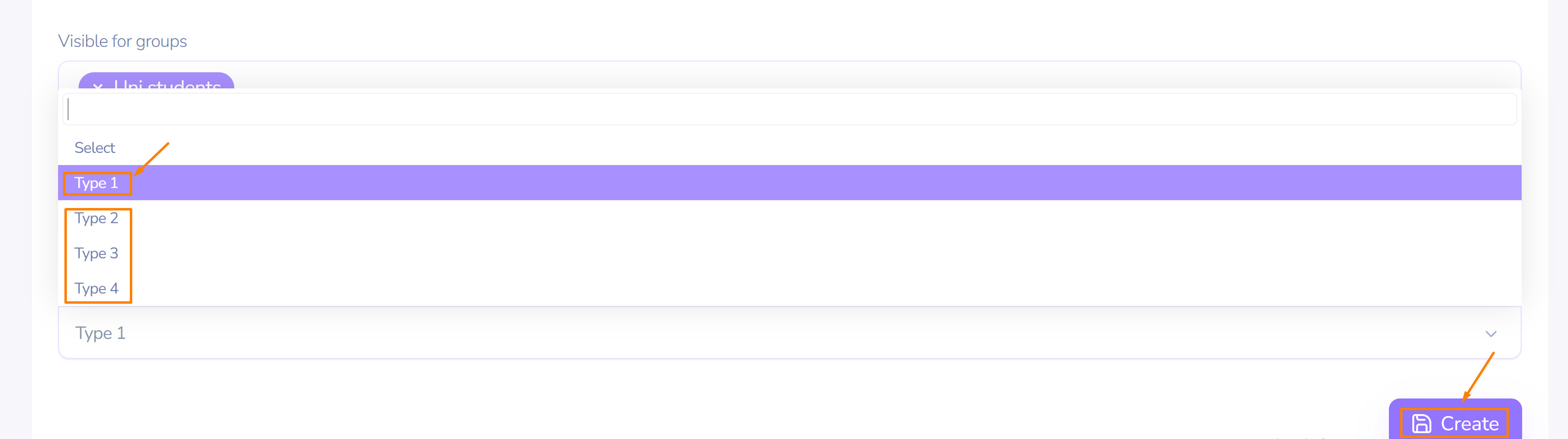
- The available options can be used for the news type.
It is also possible to rename the news type using a customized language file in the Settings menu – Languages. Customize the types of your messages, from, for example, Important to Humor, so that users in the space immediately understand their content.
Thanks to personalization options, your message will be sent only to the required user, user group, or their roles.