
Pages for a lesson
Lesson elements. Pages
Purpose
A page is an element that is added to lessons. Links to pages can be integrated through hyperlinks.
Creating/Adding a page
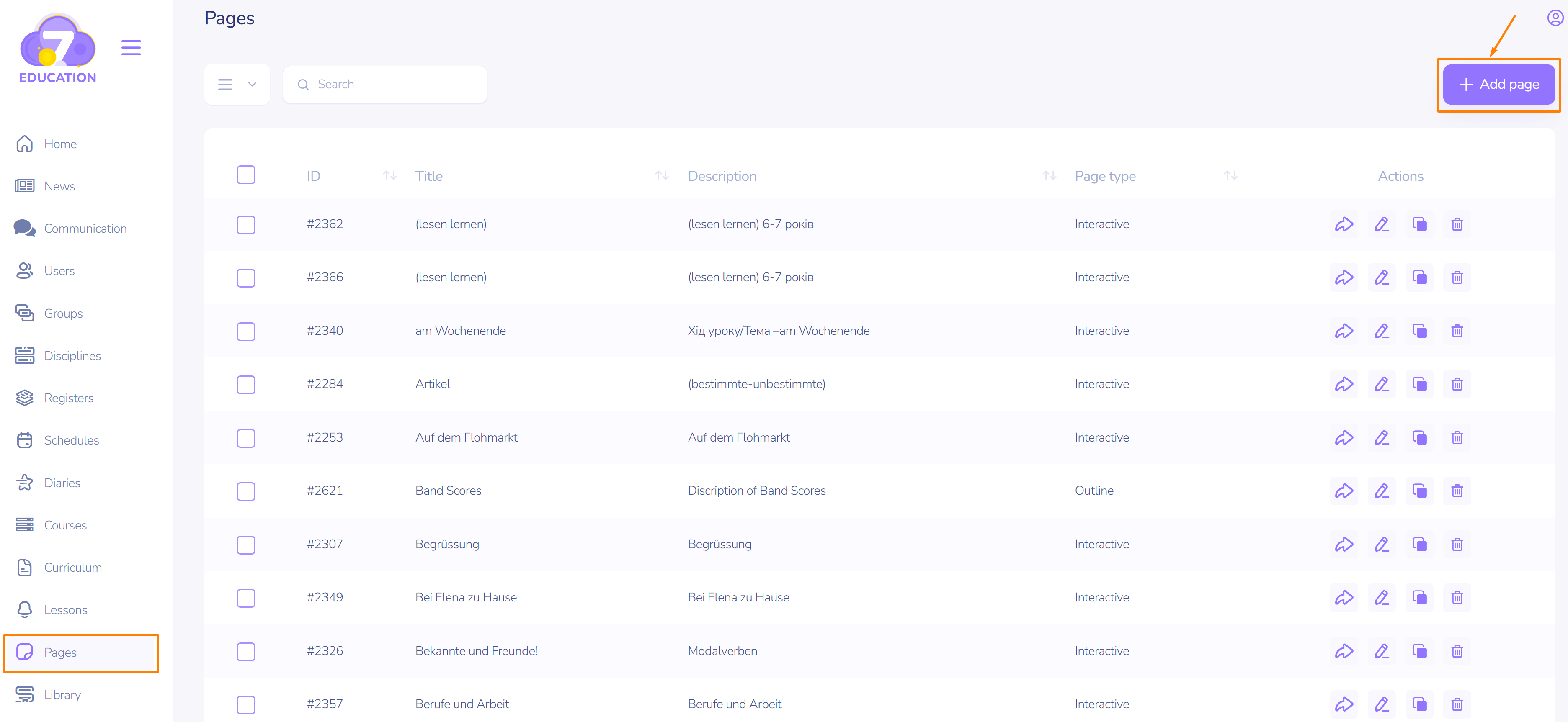
- On the left sidebar, select Pages.
- At the top right, click Add Page.
Editing a page
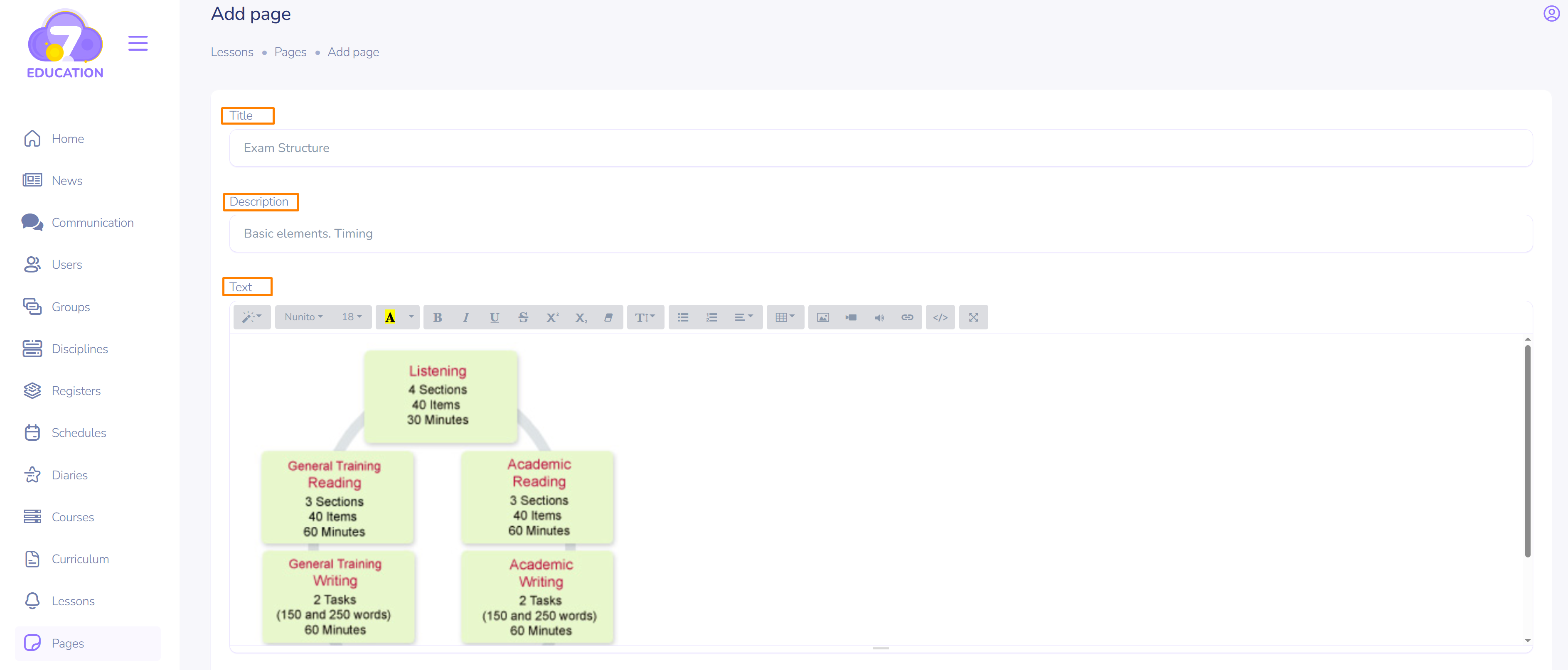
- Enter the page title.
- Add a description to make it easier to navigate the content of the pages later.
- Make the necessary changes in the content editing window. In the visual editing window, there is a horizontally arranged toolbar for making changes to fonts, uploading images, videos, audio content, codes, and hyperlinks.
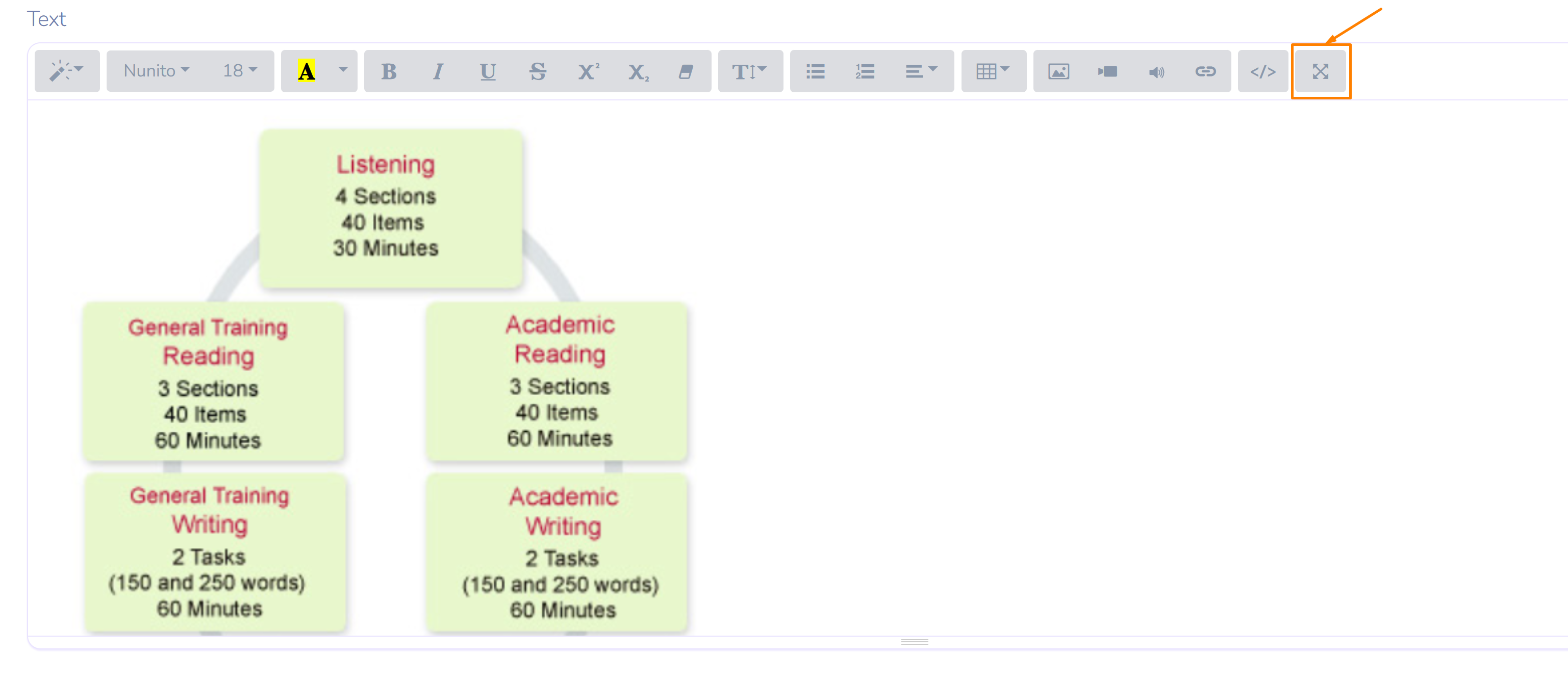
- For convenience, you can expand the editing window to full screen using the far-right button on the toolbar.
After editing the content:
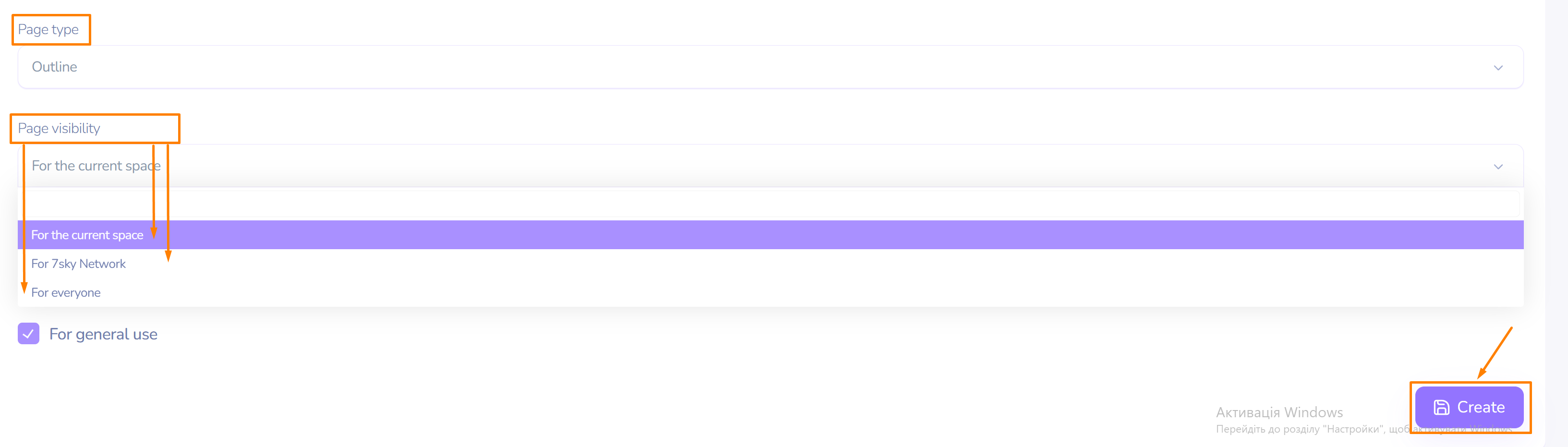
- Select the page type from the dropdown menu.
- Set the visibility of the page (from users of the current space or other 7SKY spaces to all users on the Internet.
- If desired, allow the use of the added page by colleagues in the space.
- Click Create.
The newly added page will appear in the general list under the Pages tab.
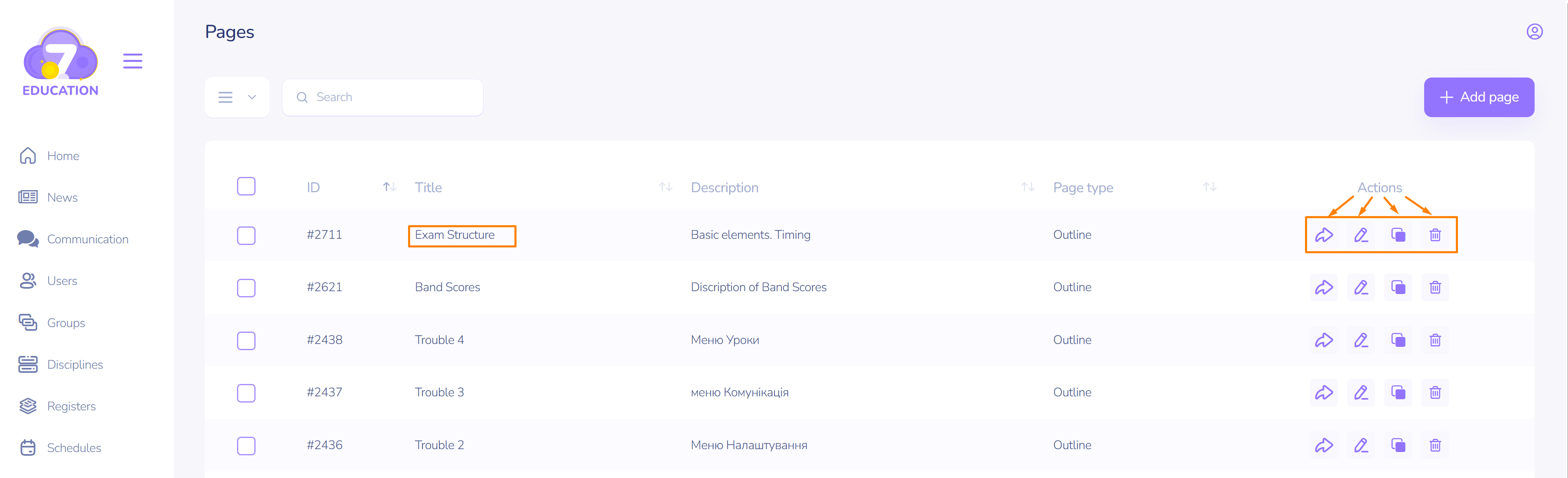
You can now view, edit, copy, or delete it using the corresponding Actions menu item.