How to communicate with users of different roles
Chats are used to communicate with users or user groups in the space.
Who initiates communication
A user with any role can initiate communication in a chat or chats. 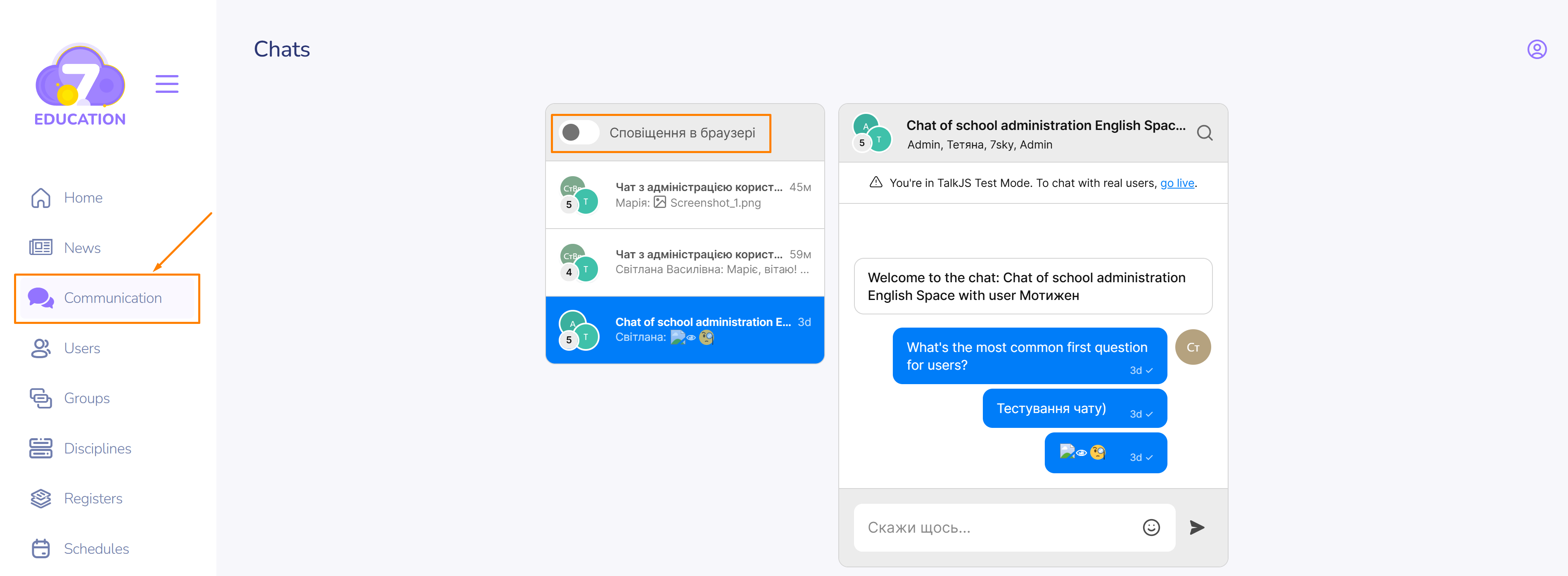 An administrator can activate the function of receiving notifications in the browser.
How to start communication
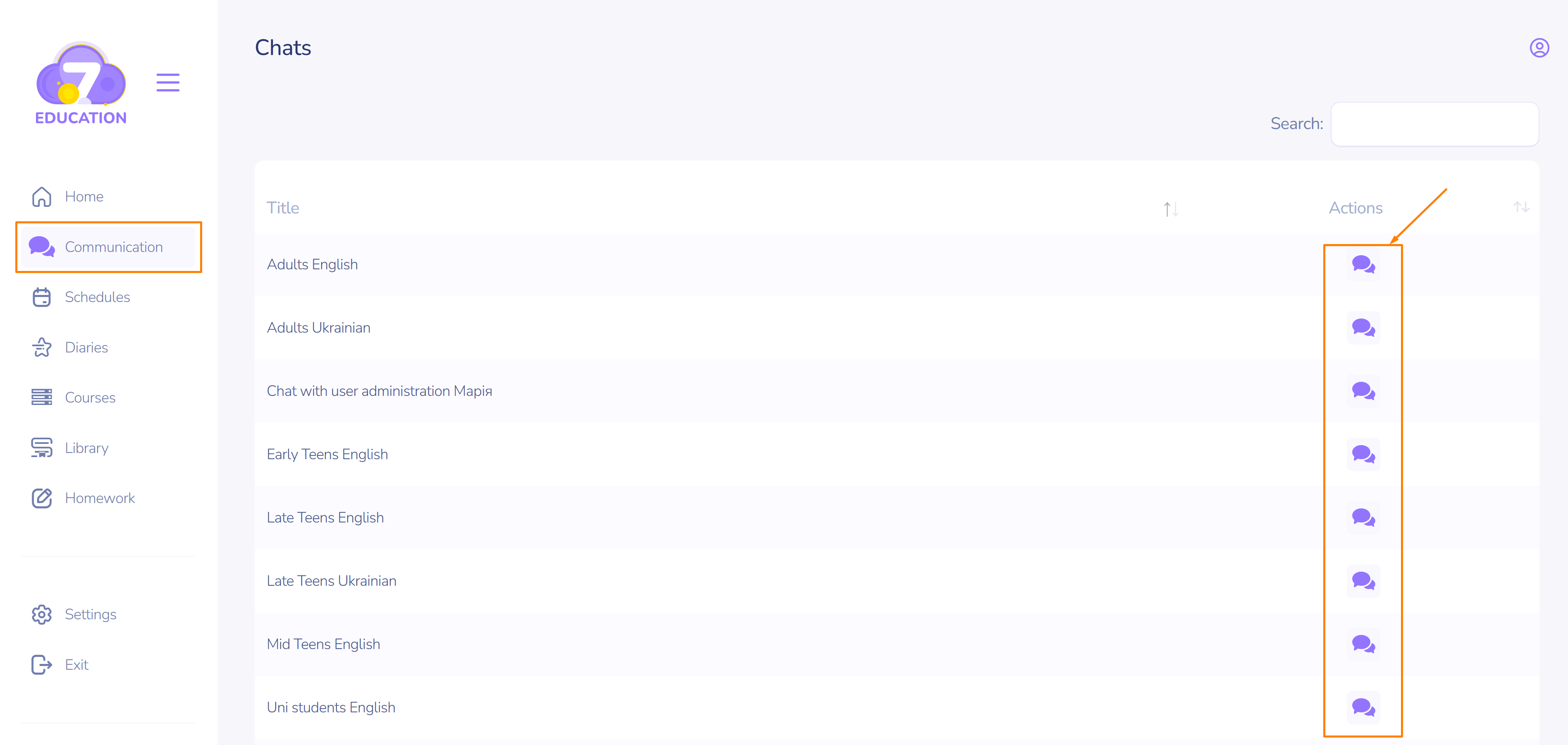
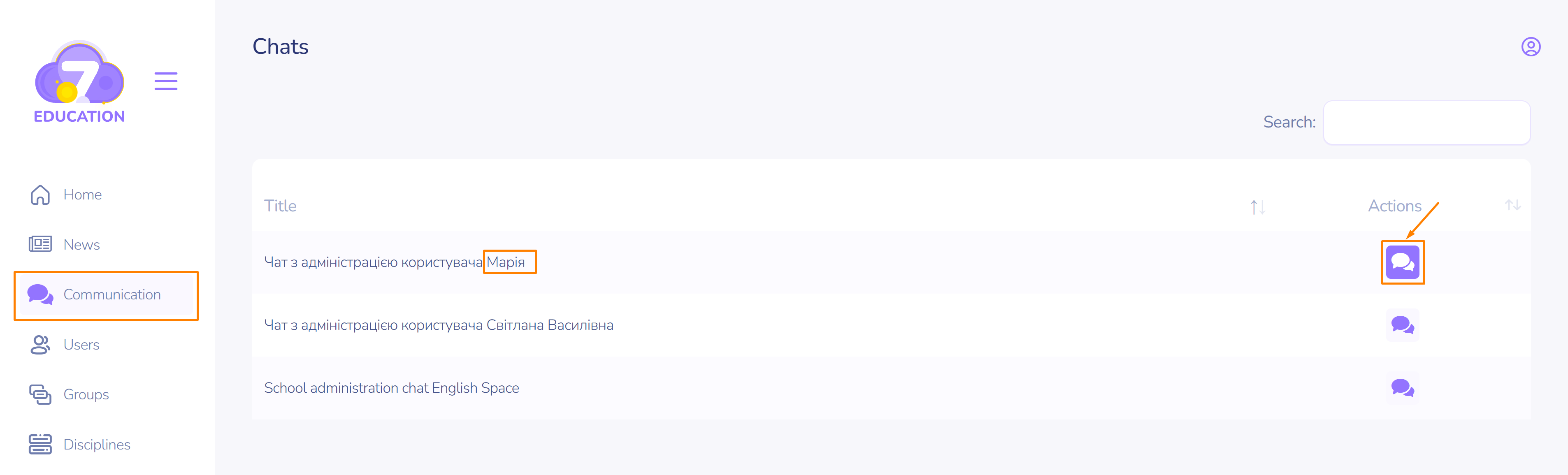 In the left sidebar of the main menu, select the Communication page and choose the name of a user or group to start a chat with.
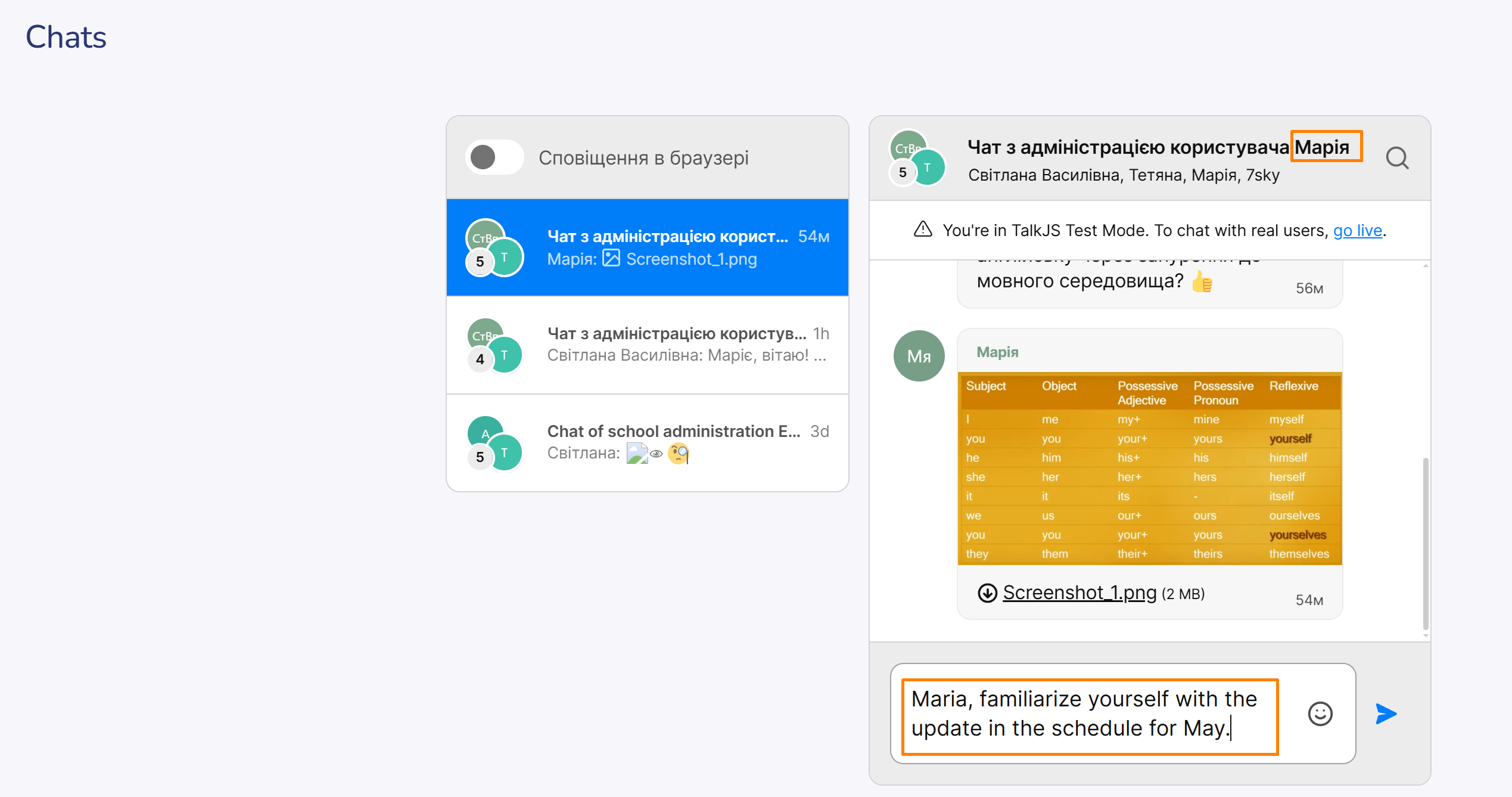
On the teacher's page, the message content will appear as follows.
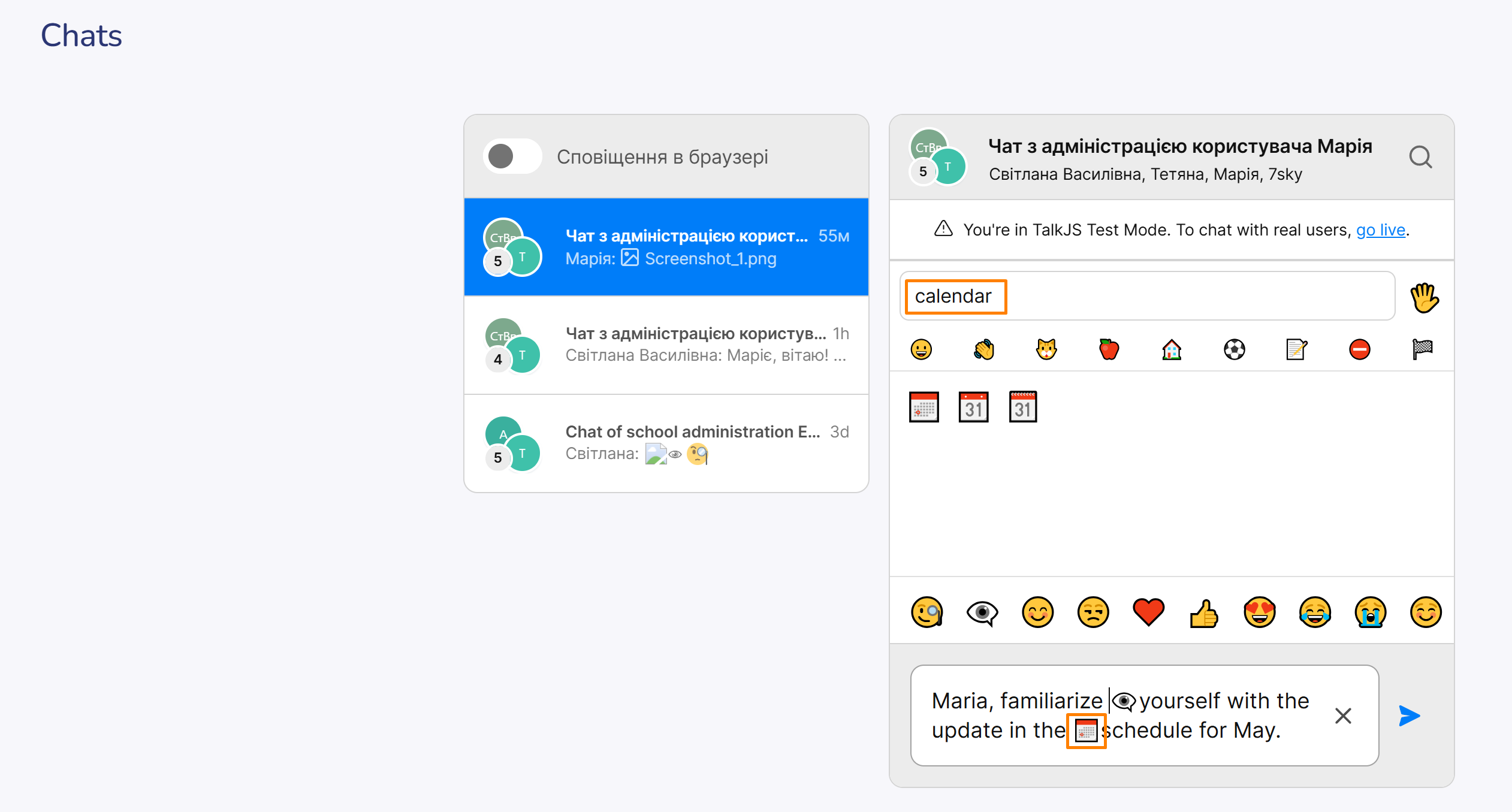 Note the option to add emojis, which makes communication more lively.
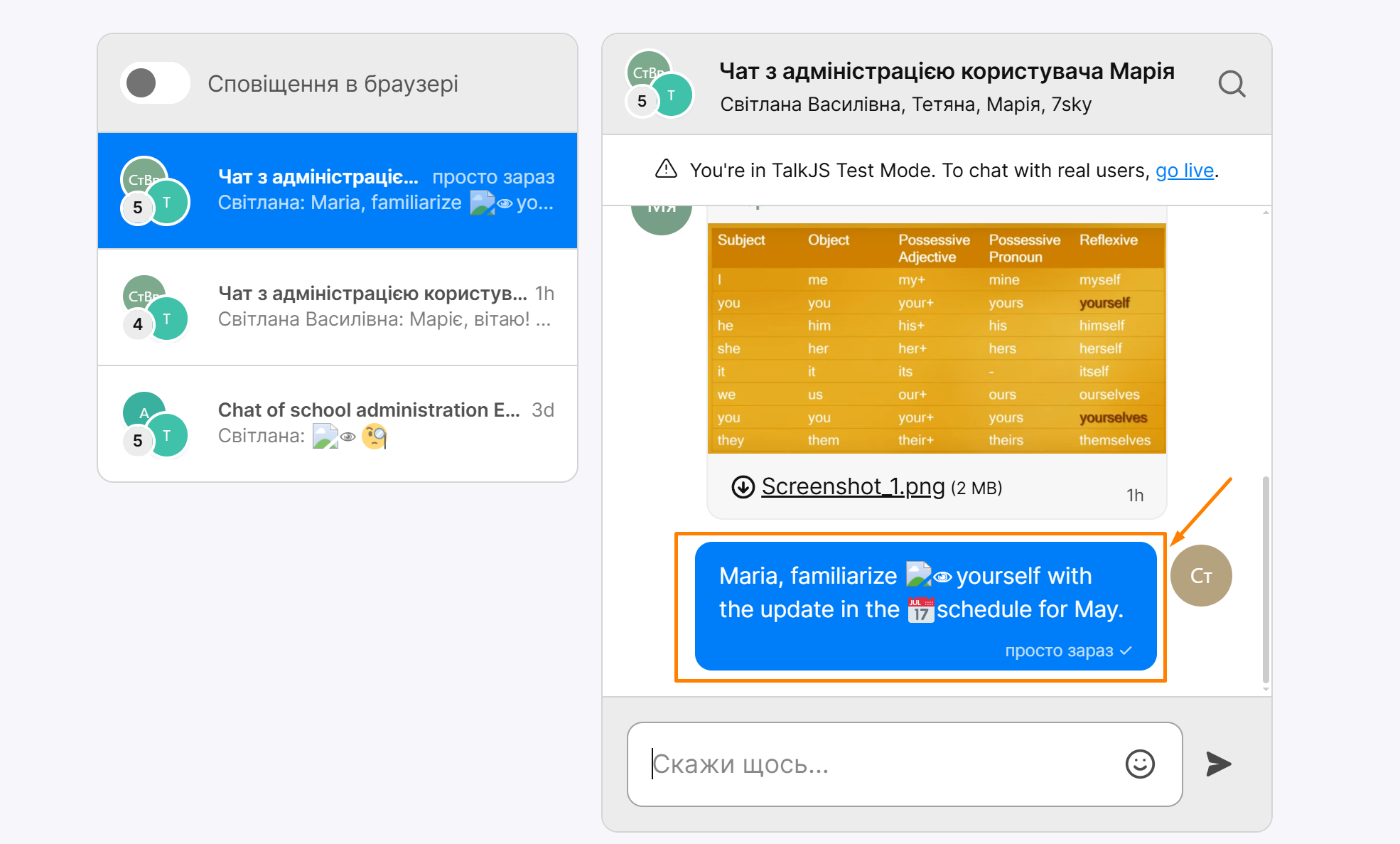 After sending, the author's message is highlighted in blue.
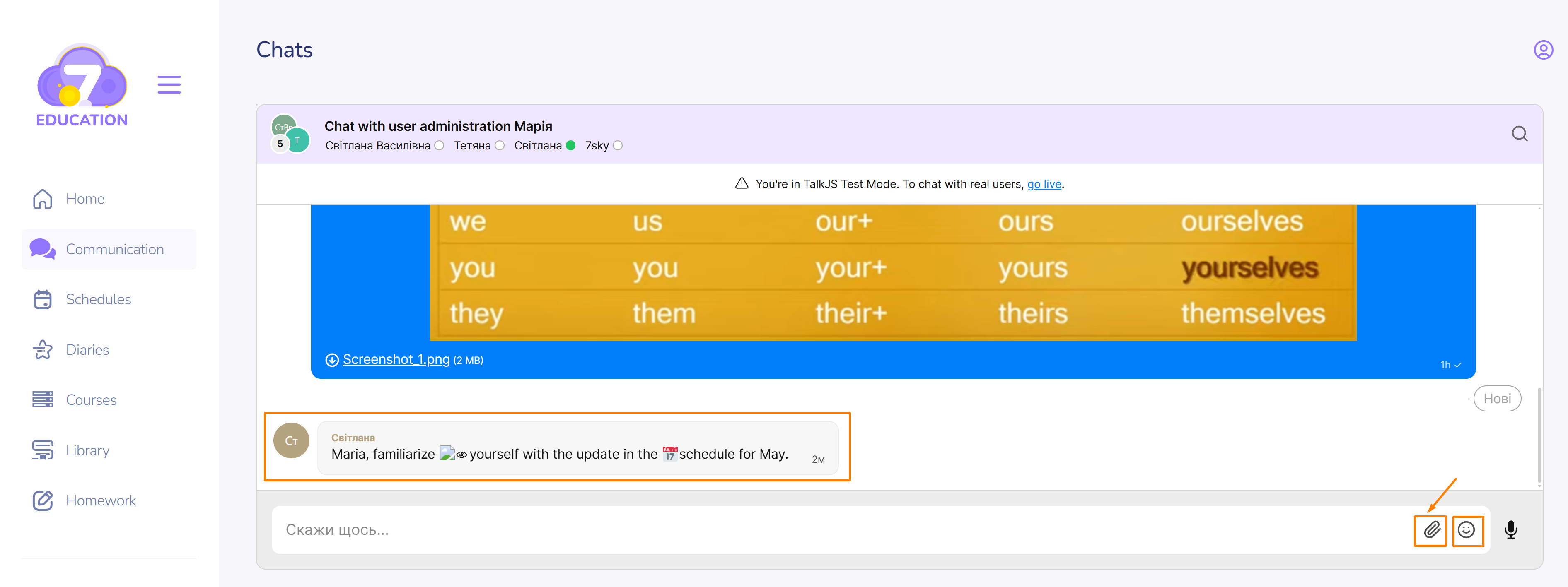 On the student’s page, you can add not only emojis to the message but also files.
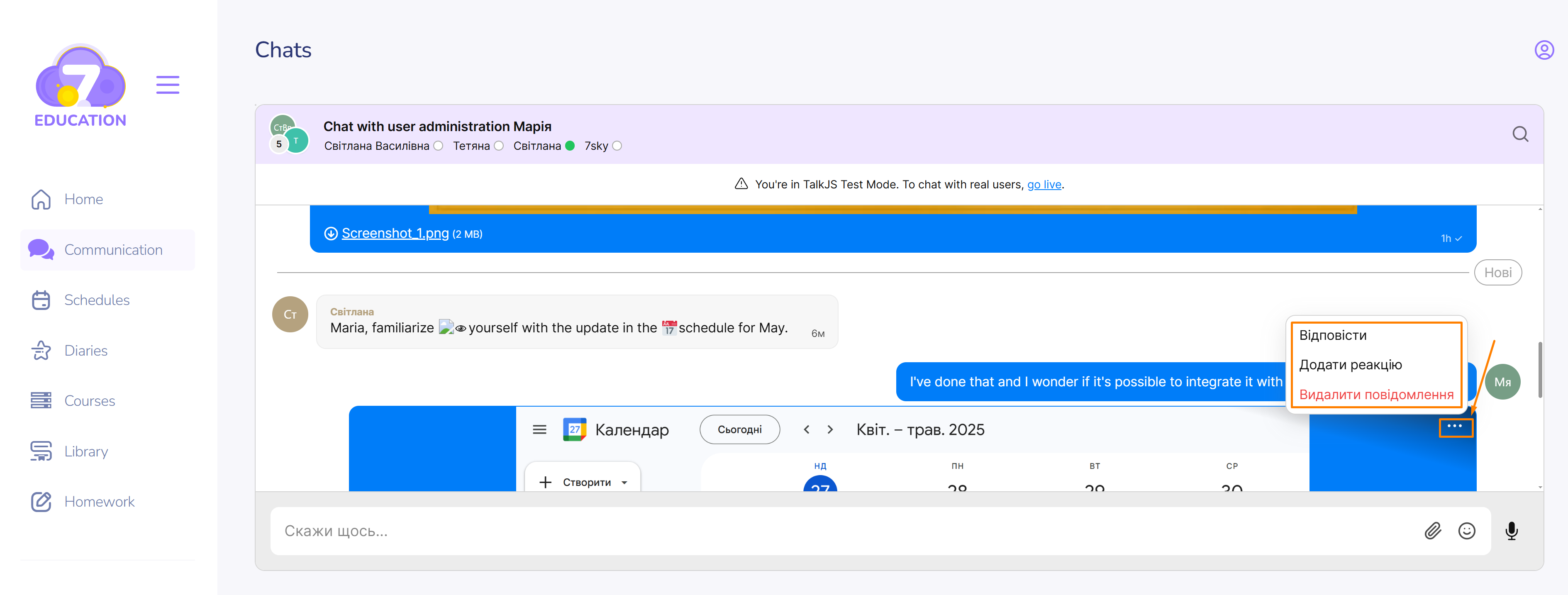 After adding, other options (such as reply/add reaction/delete the message) become available by clicking the button with three horizontal dots (more actions).
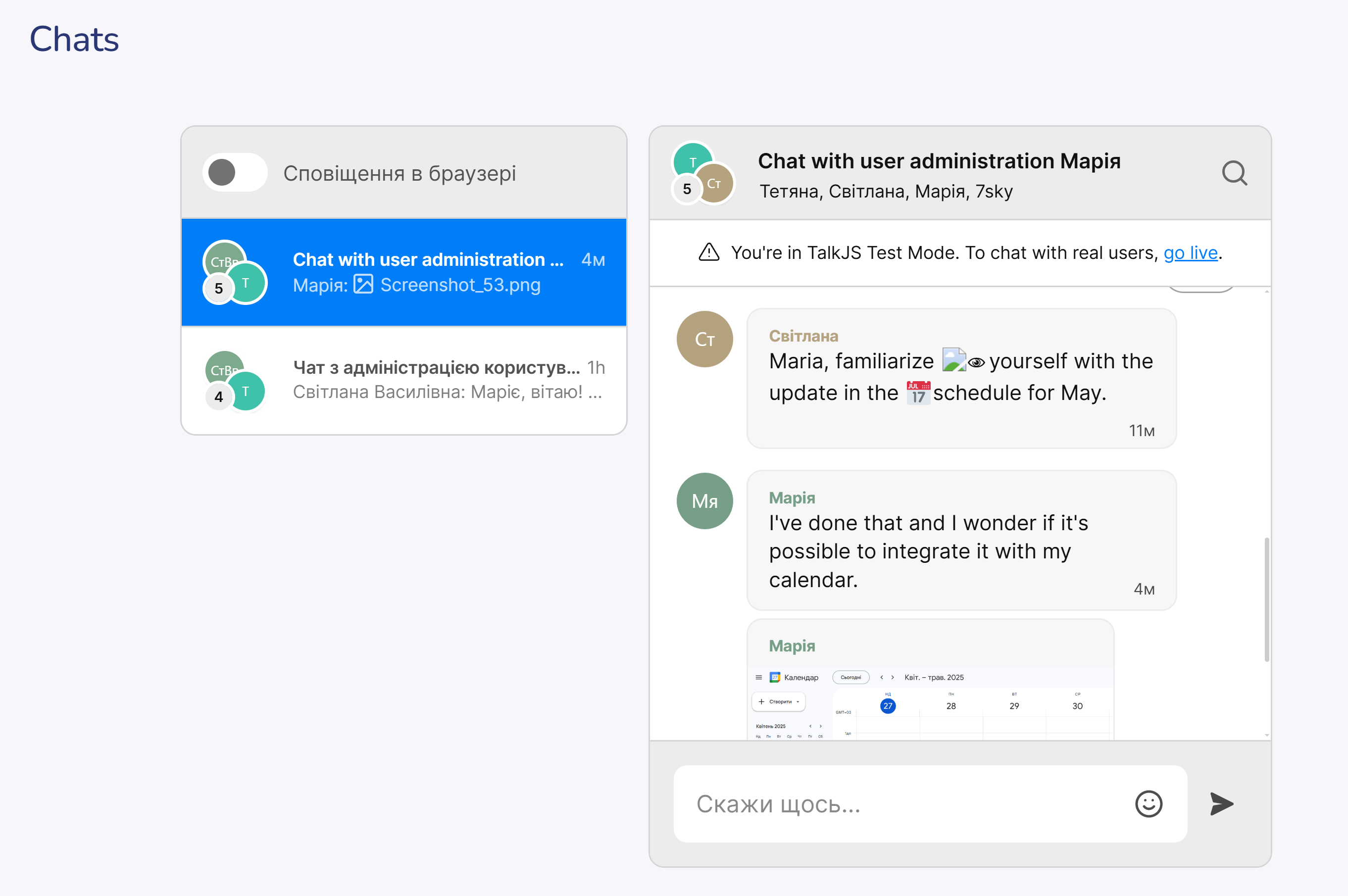 In the chat on the teacher's page, the reply will appear as follows.
 The student will be able either to continue the conversation or initiate it in the chat of any group or subject to which they are added.
 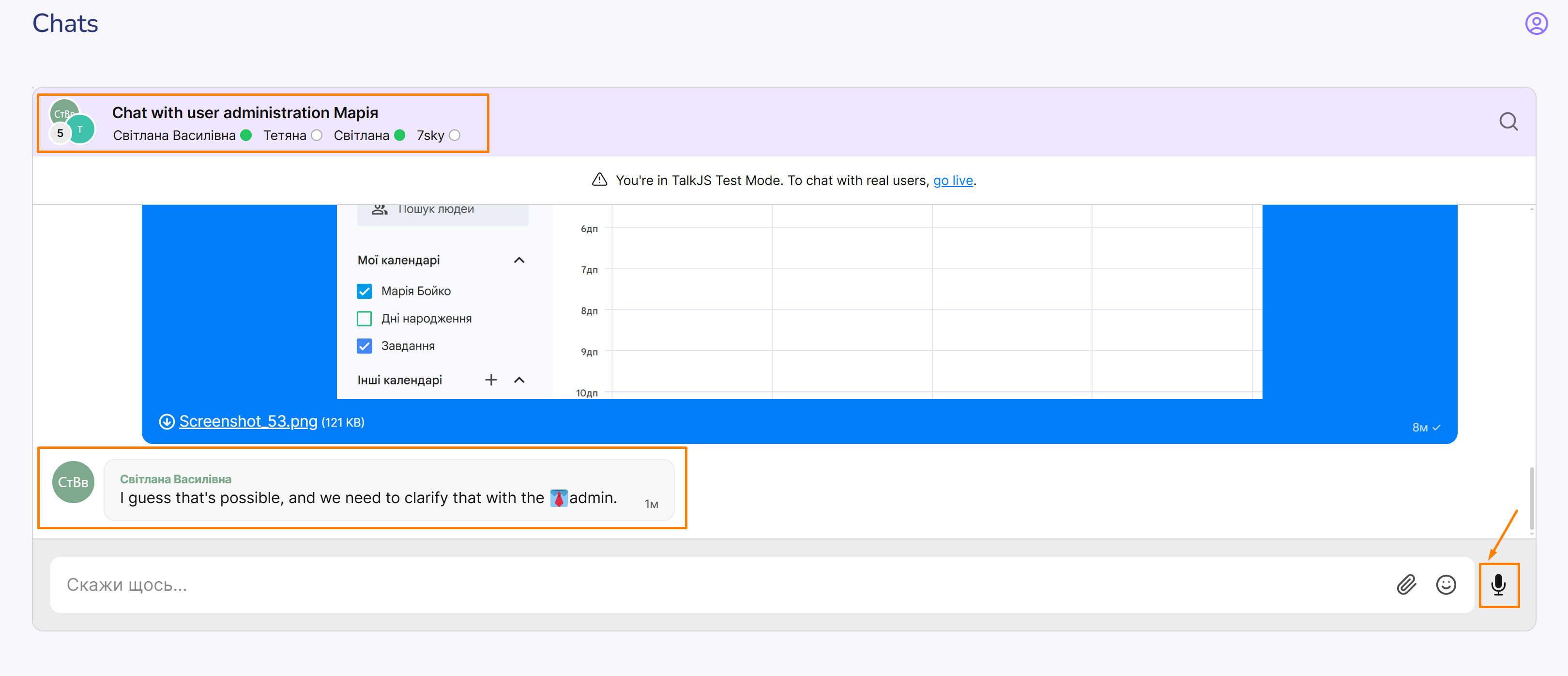 Participants involved in the communication will be highlighted in green.
If necessary, the student can also use a voice message.