
Creating a course
I. Manual Course Creation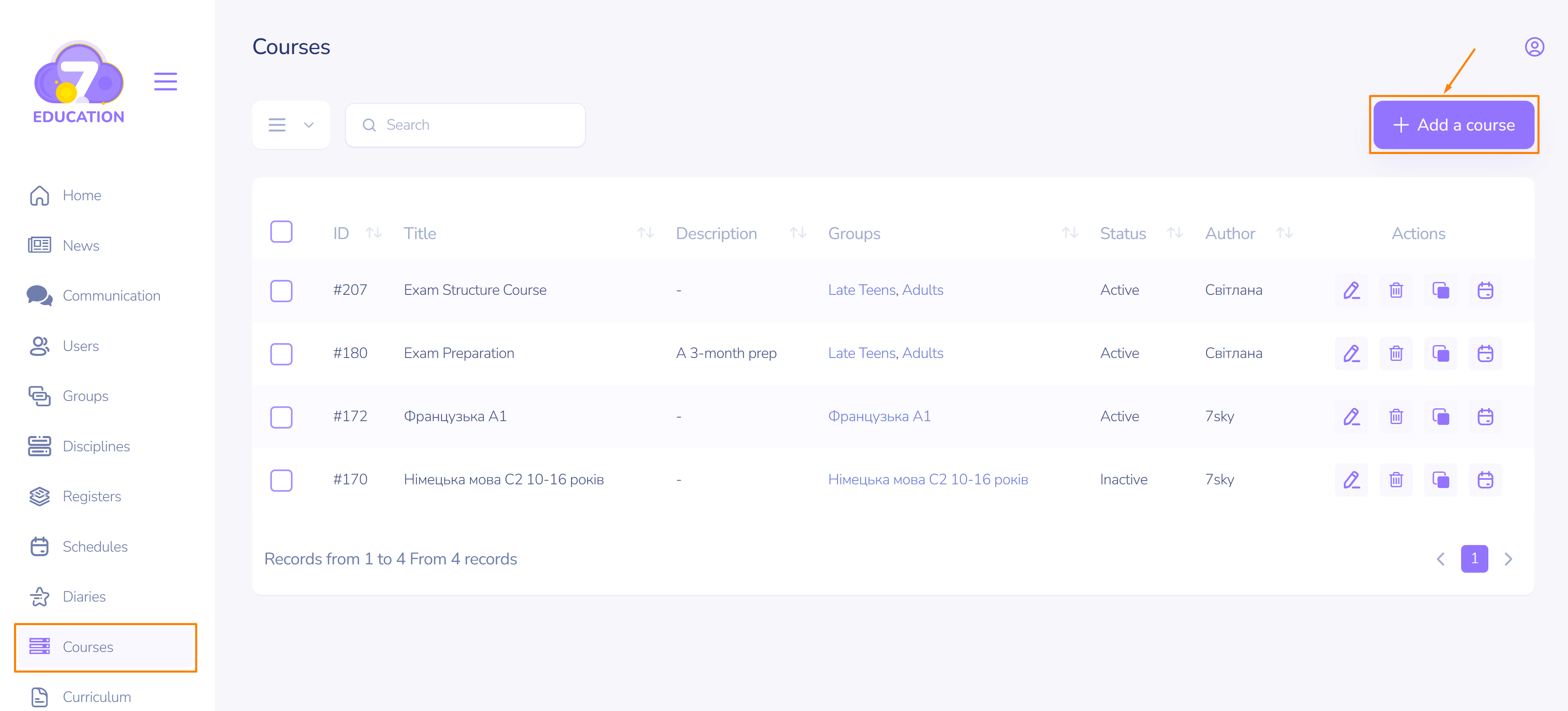
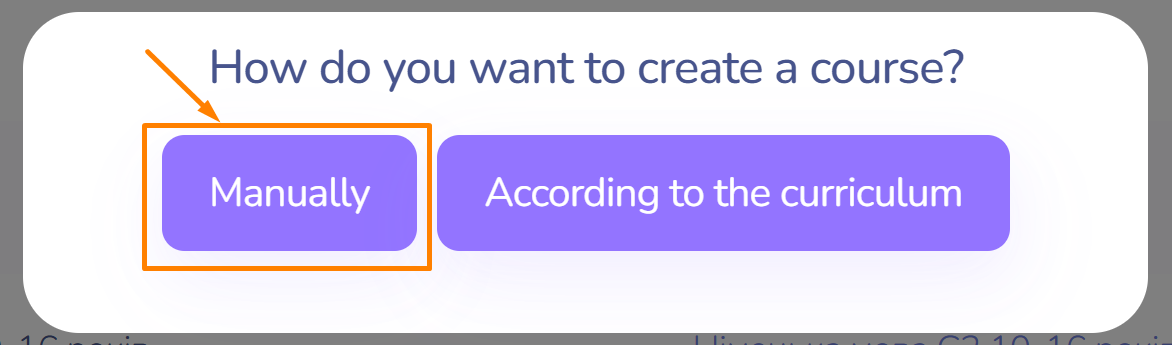
This option will be useful if the course is developed step by step, using individual components such as sections, topics, lessons, etc.
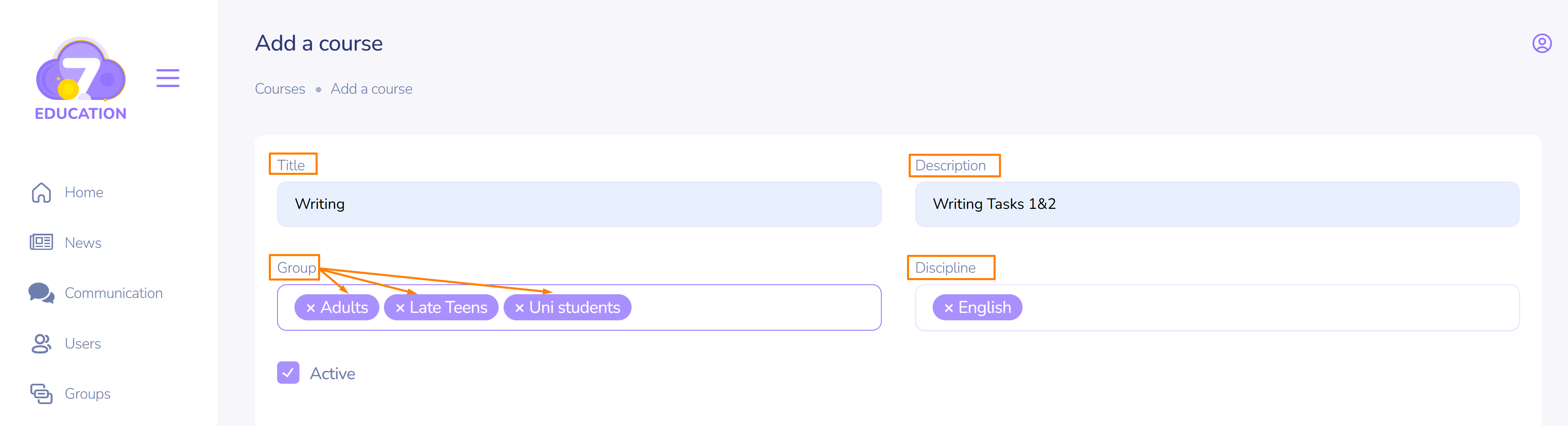
A course can have multiple groups assigned.
The course is available to a student if they are enrolled in the corresponding group.
It is impossible to create a course without a section.
Sections and Lessons
To create the first section (chapter, module) of the course:

- Fill in the title and description.
- Enter a numerical value for the order in which the section will appear in the course. The section with the lowest value will be placed closer to the beginning of the course.
If you already have lessons created for the course, select the required lesson using the search form. Otherwise, you can add a new lesson.
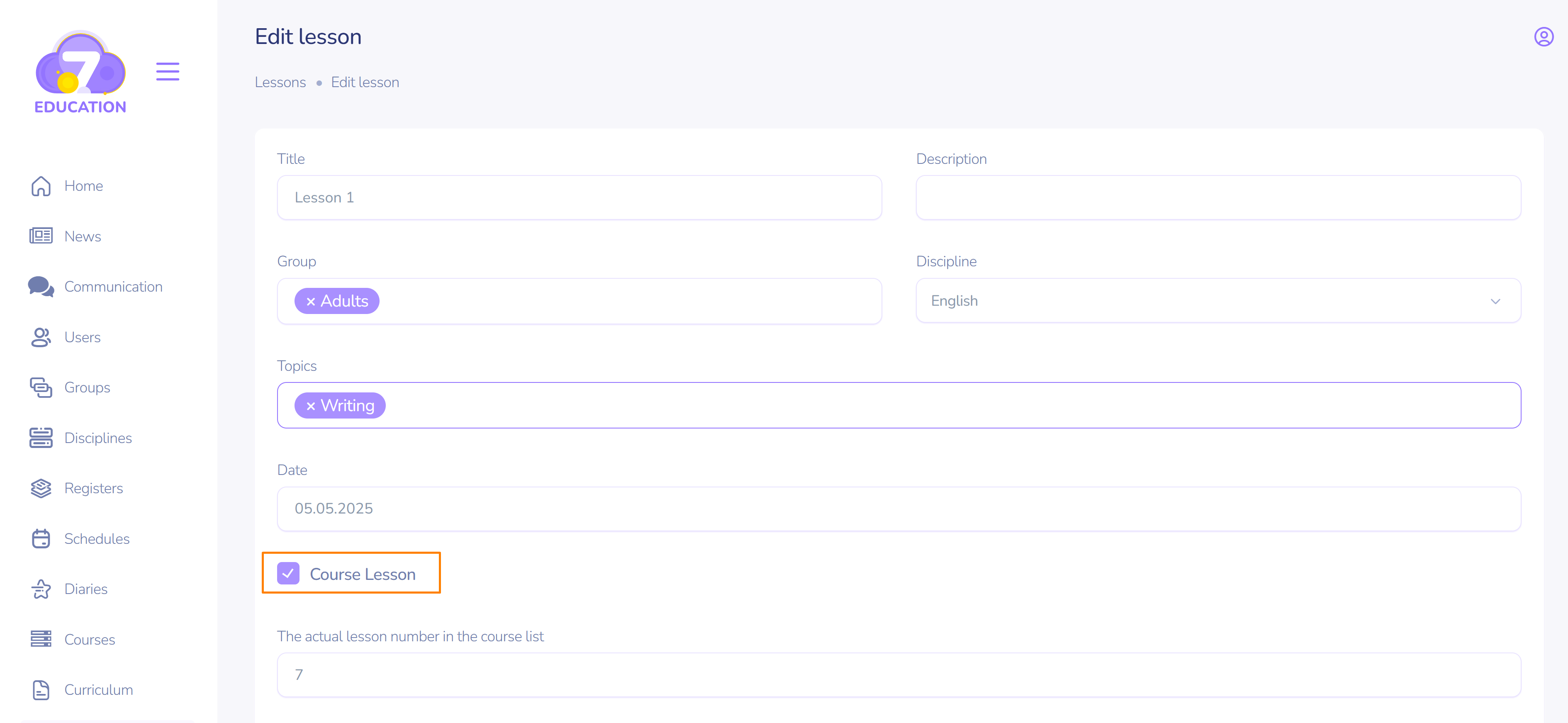
Important! An essential condition for the lesson's availability in the course is the activated Course lesson checkbox on the lesson creation (editing) page.
However, it is possible to create a course without lessons added to the section.
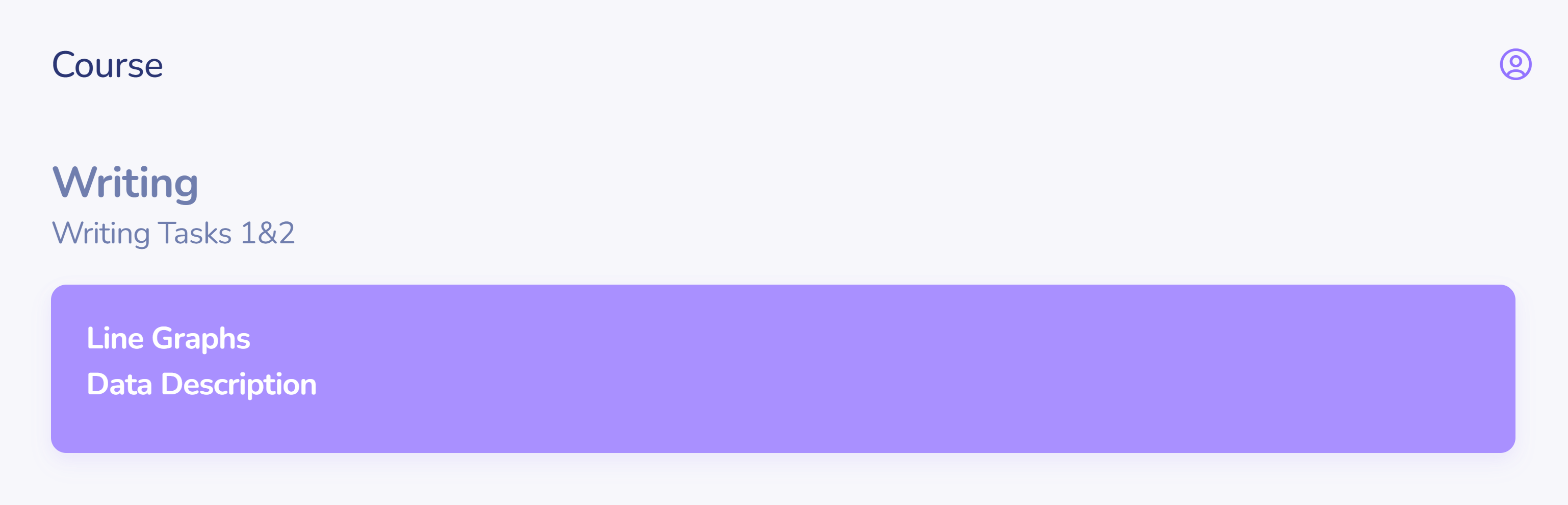
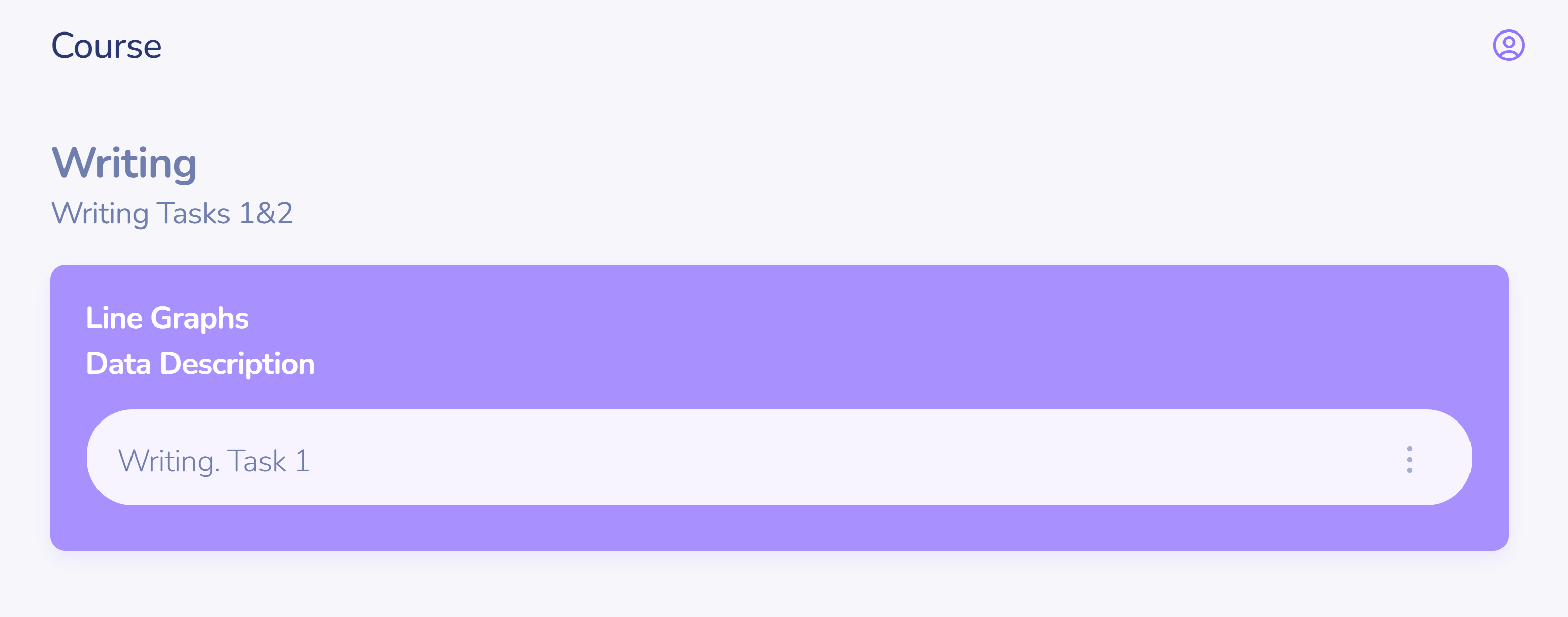
During the course work, lessons can be added to an existing section.
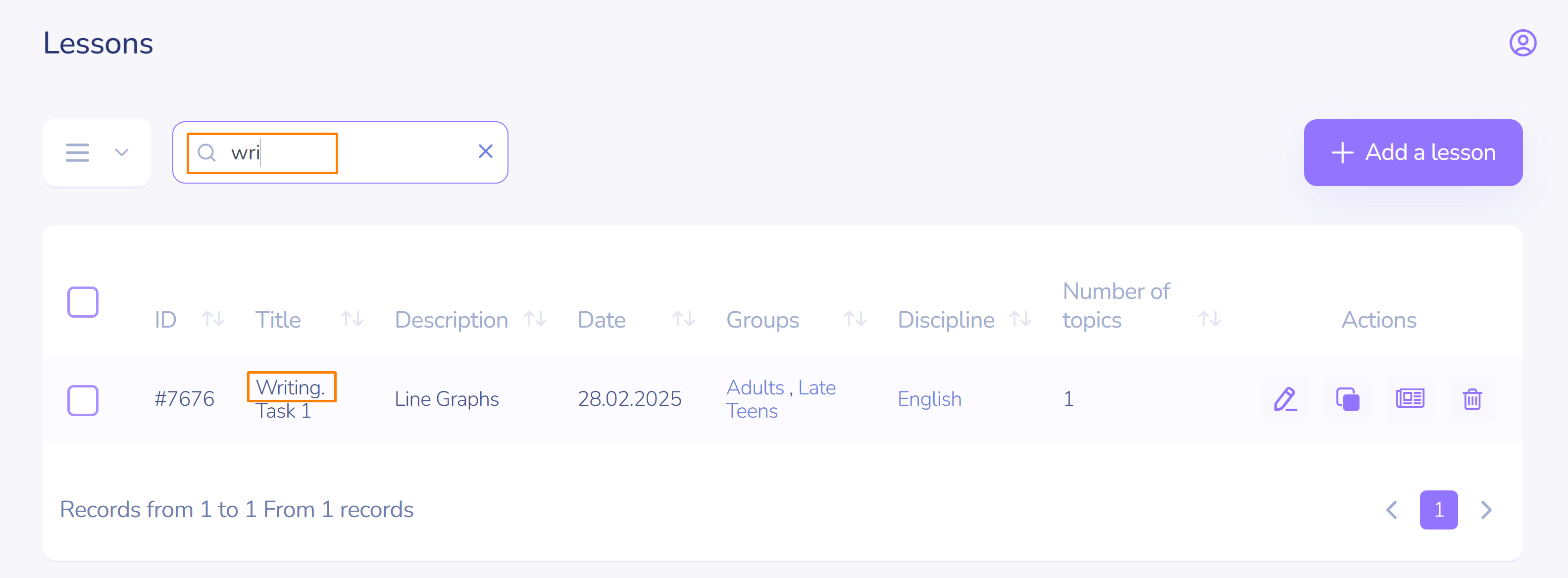
To find a lesson, start typing a keyword in the search field.
Lessons can be either pre-created or developed during the course creation process.
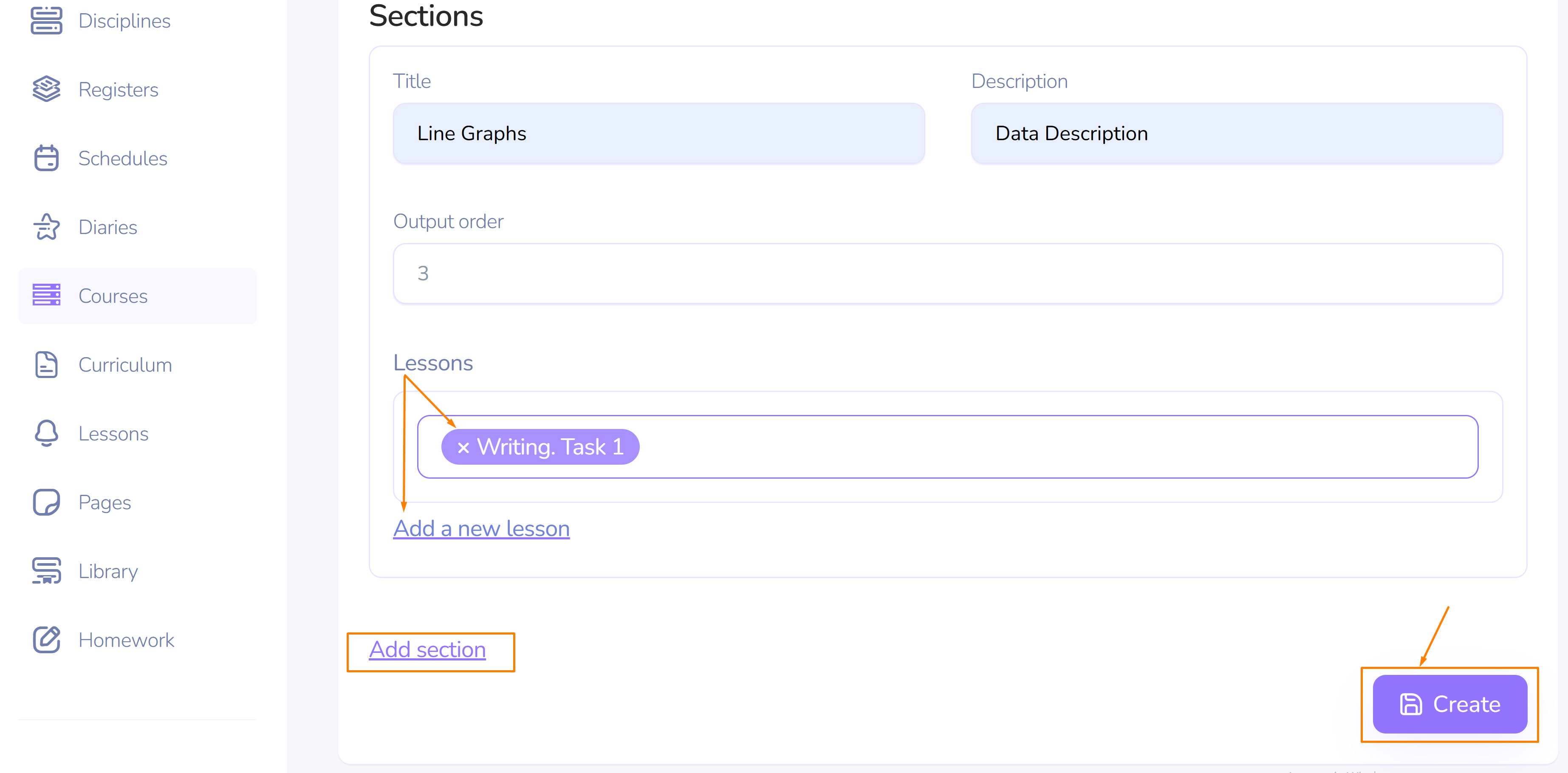
If necessary, add the required number of sections and click Create.
II. Creating a course based on a curriculum
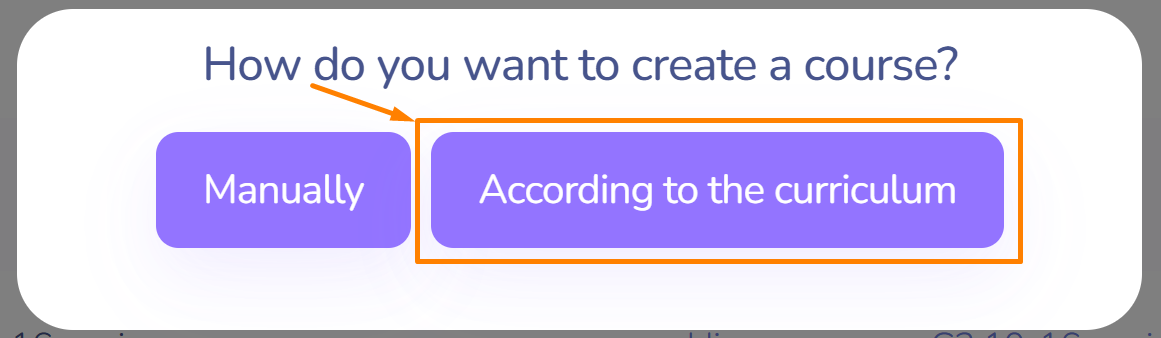
This option is useful if the course is being developed according to a pre-designed, ready-made curriculum.
In this case, the course is created based on a template that can be used multiple times. To do this:
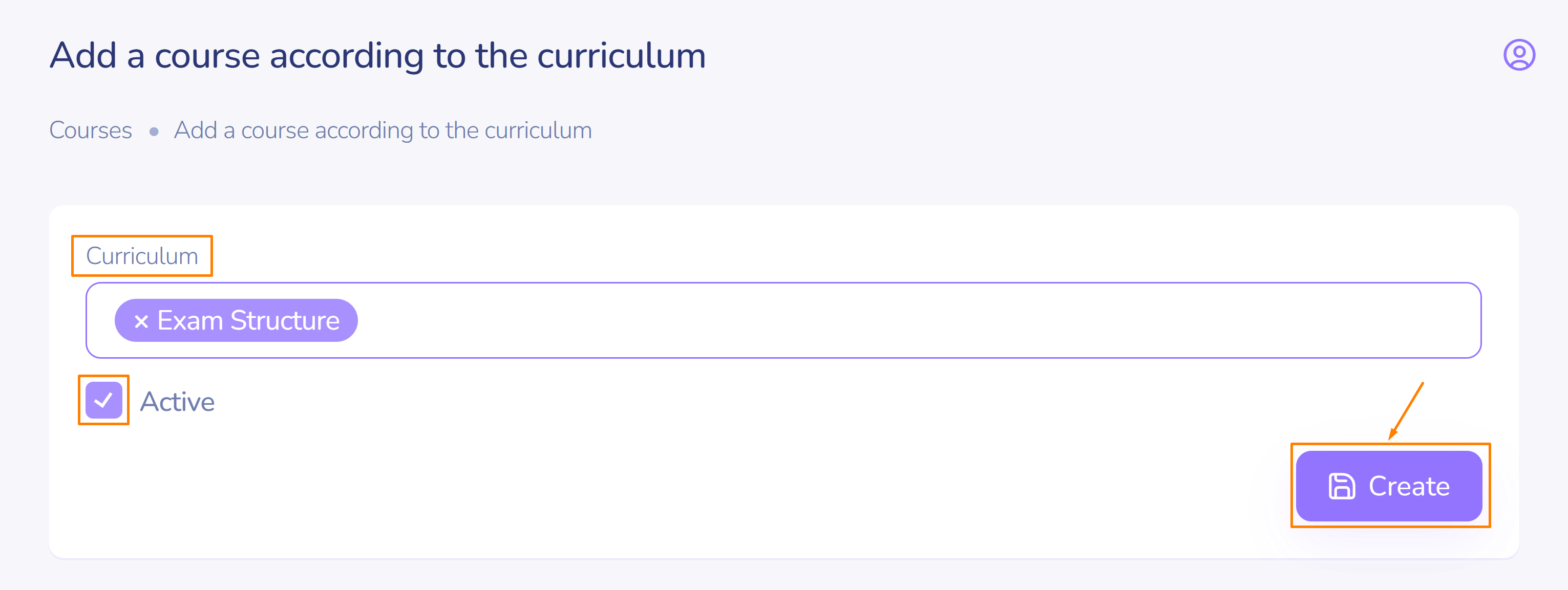
- Select one or more sections from the curriculum, and the system will automatically form the structure of the future course for you.
- Switch on Active checkbox.
- Click Create.
The name of the curriculum is the name of the course, and the curriculum description is the course description, respectively.
The topics of the curriculum are the sections of the course.
Important! If you developed the course based on the curriculum and then made changes to that curriculum, those changes will not apply to the course, but will only be reflected in the curriculum.
III. Access to viewing and editing/deleting a course
If the course is inactive, students and parents enrolled in the corresponding group will not see it in the Courses section.
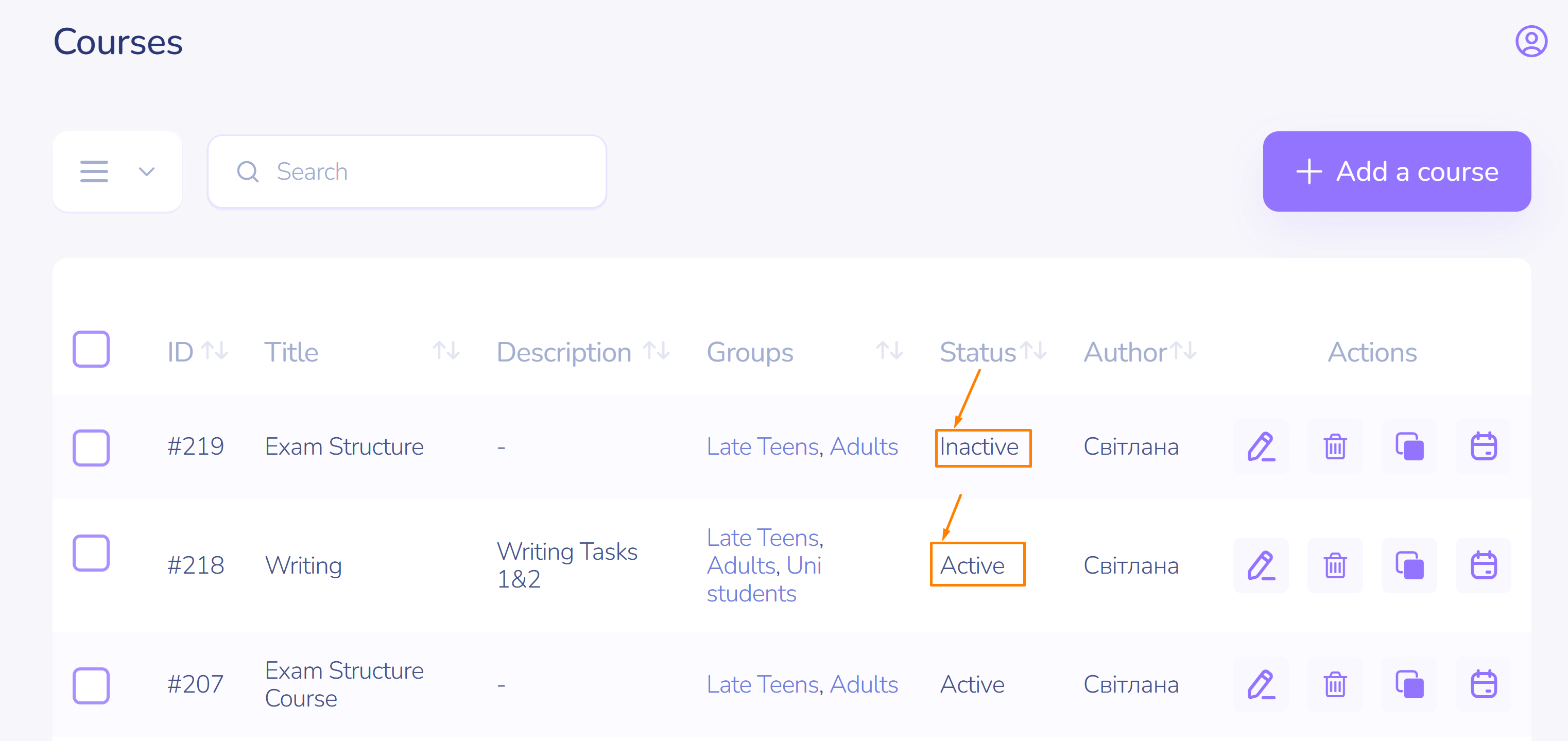
- Teachers and Tutors do not have the ability to delete a course unless they are its authors.
- Teachers and Tutors have the ability to edit, copy, and delete courses they have created themselves.